
Transcription Guides and How-Tos
These guides walk through the real tasks people transcribe for: iPhone voice memos, YouTube and podcast audio, ChatGPT and Whisper, translating recordings, rescuing poor-quality audio, and fixing common tool problems. Each one is a practical, step-by-step walkthrough, and every guide opens with the short answer and a free transcription tool.
Start here
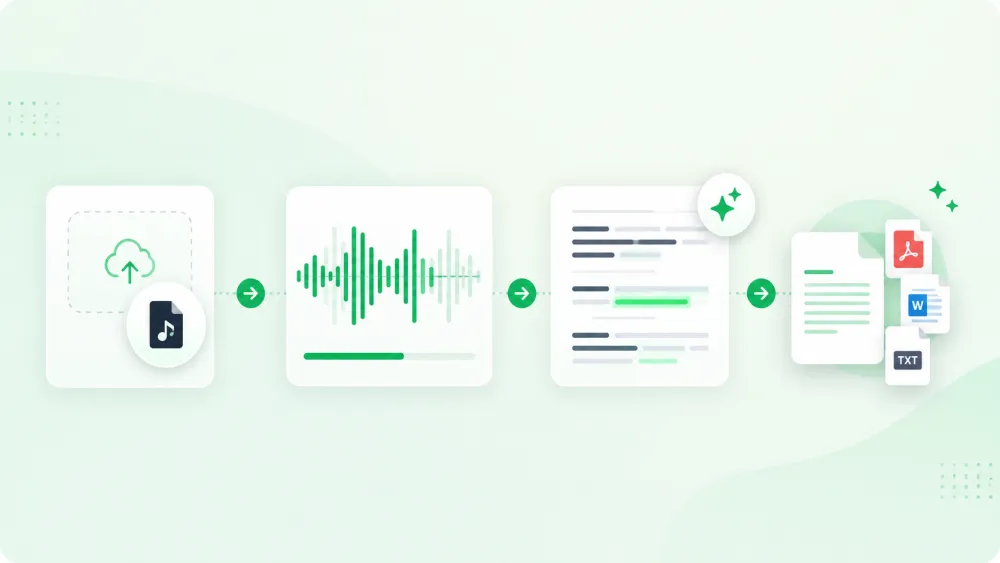
New to transcription? Begin with the core walkthrough on how to transcribe an audio recording, then branch into the device- or tool-specific guide you need. Every guide is written for a real workflow rather than a feature list.
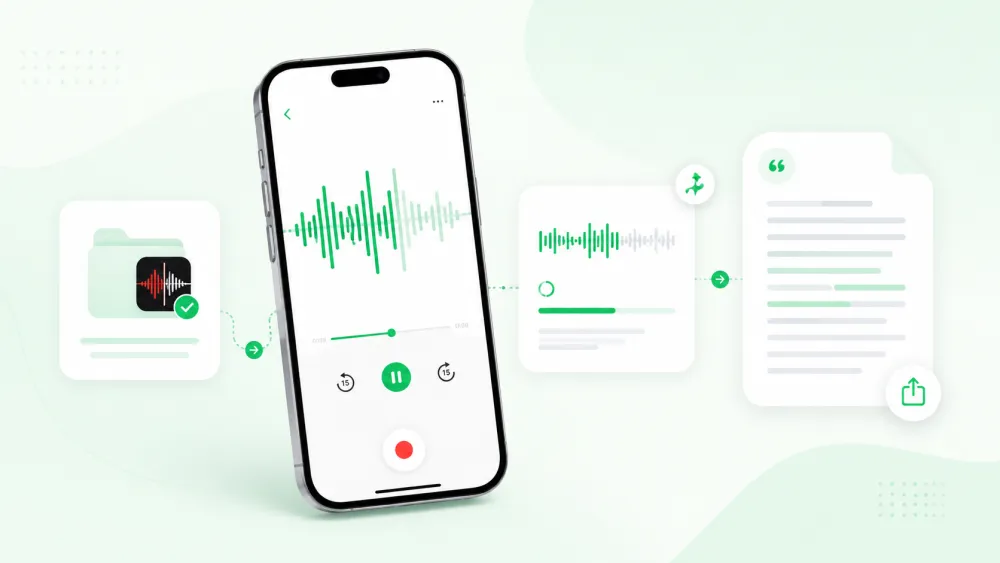
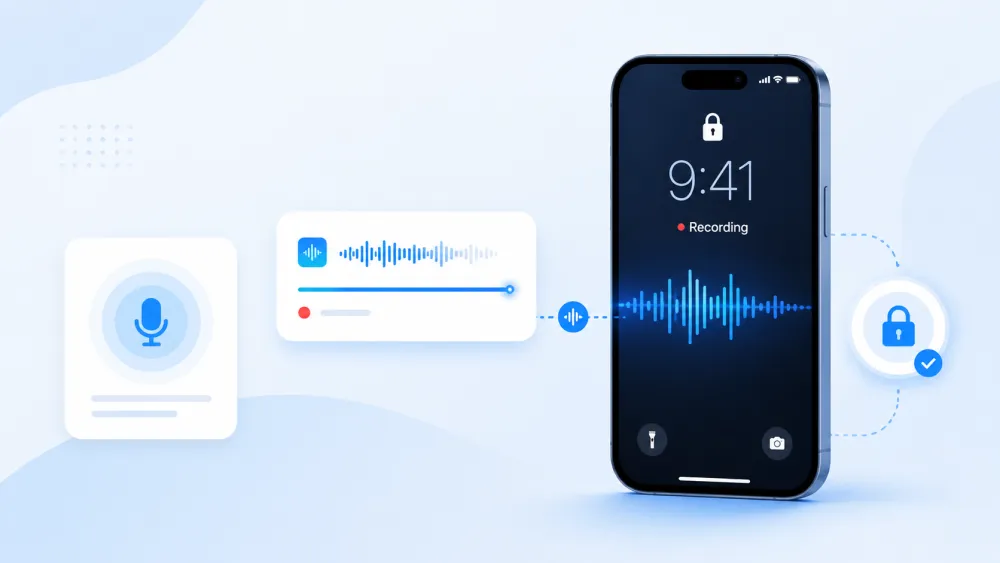
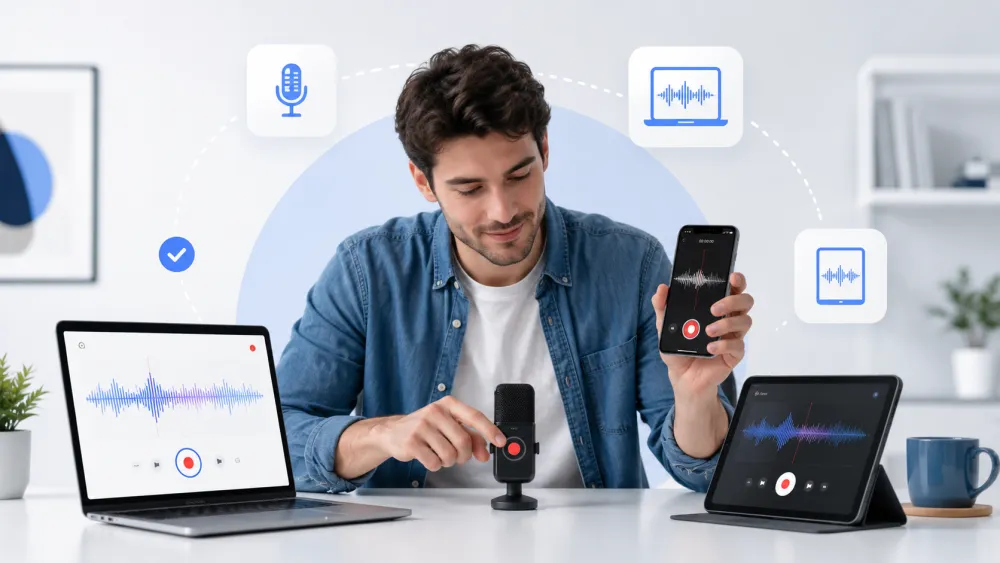
- Recording and devices: iPhone voice memos, locked-screen recording, and starting a recording on any device.
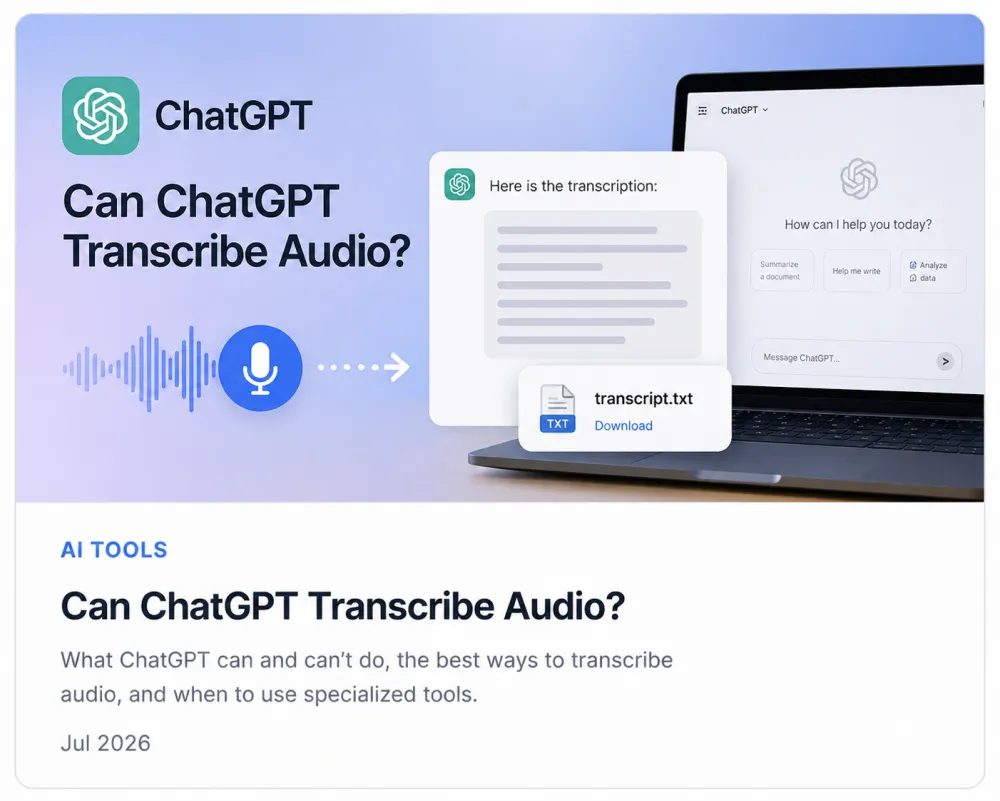
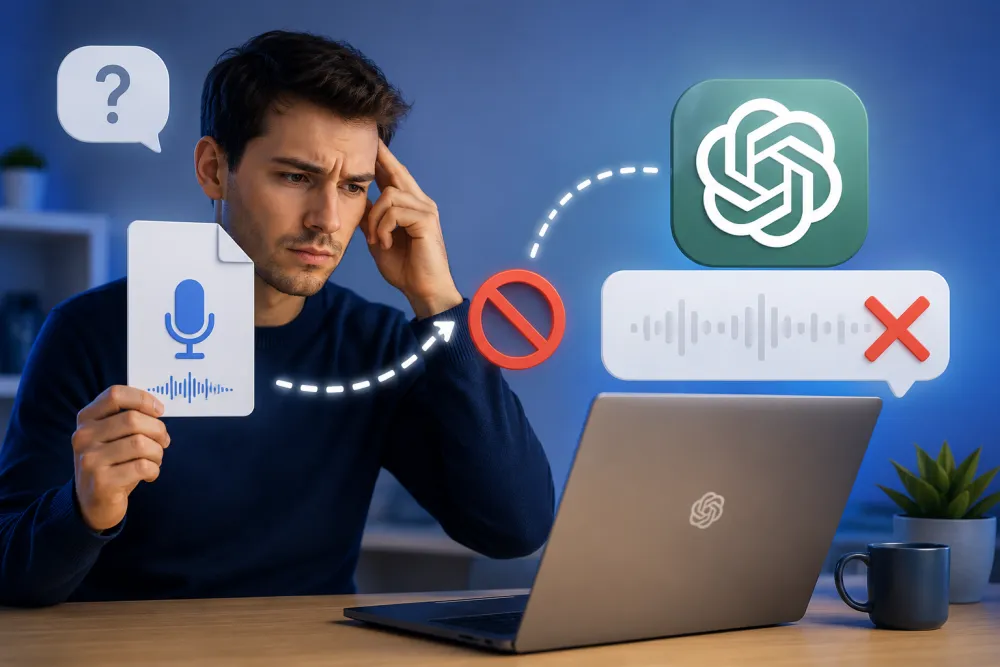
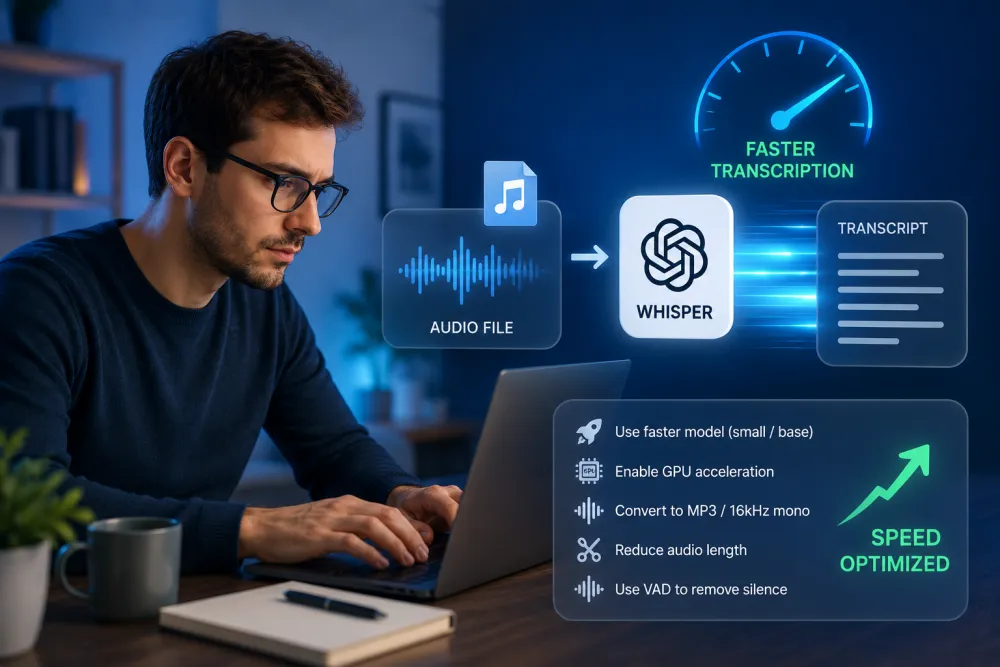
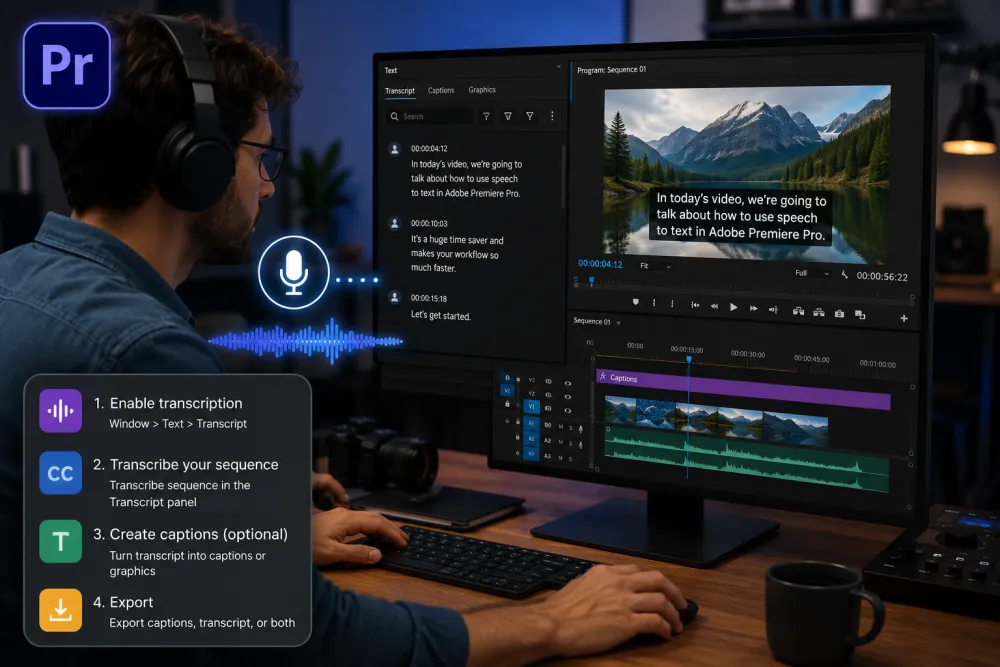
- Tools and troubleshooting: ChatGPT, Whisper, Adobe Premiere Pro, Google Translate, and Otter AI.
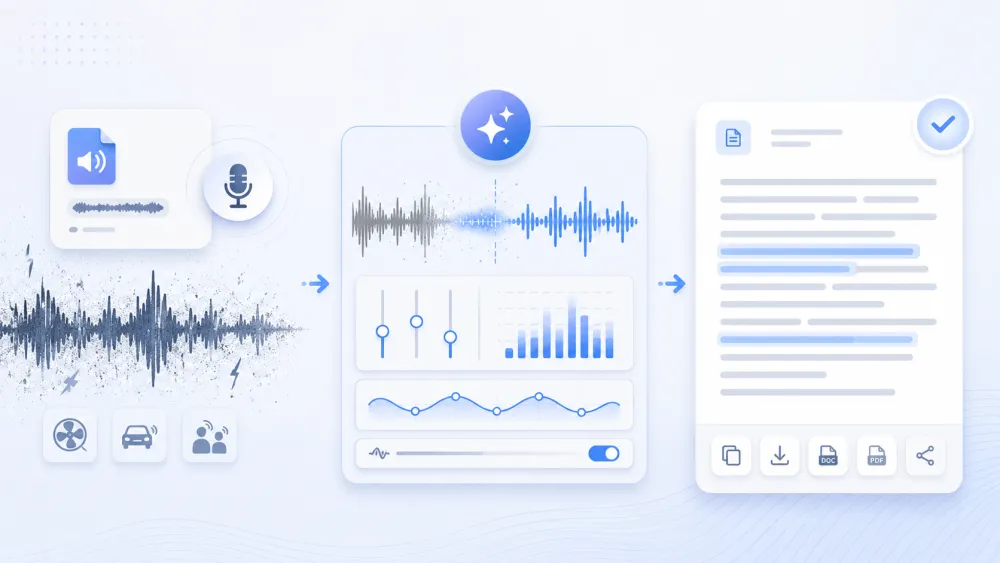
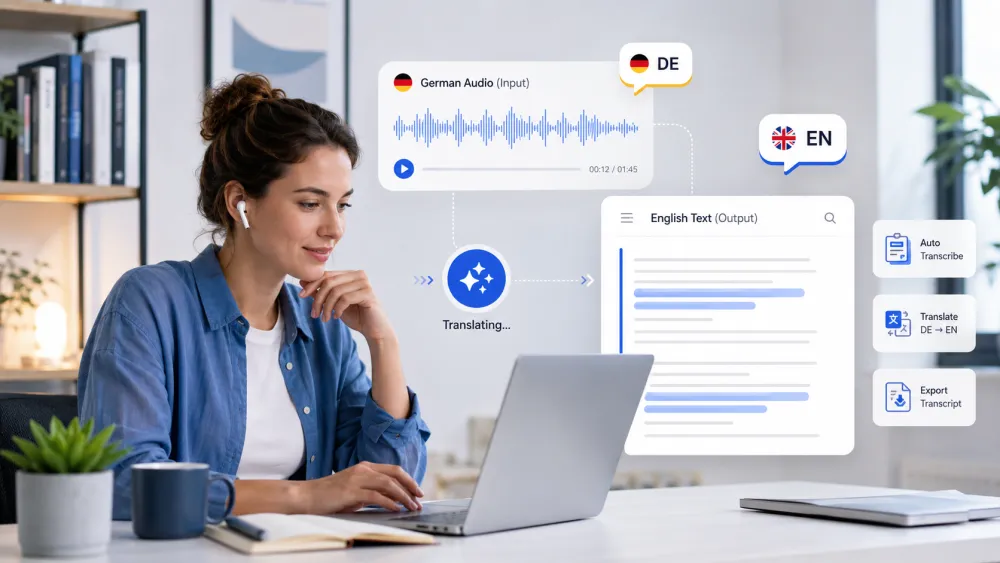
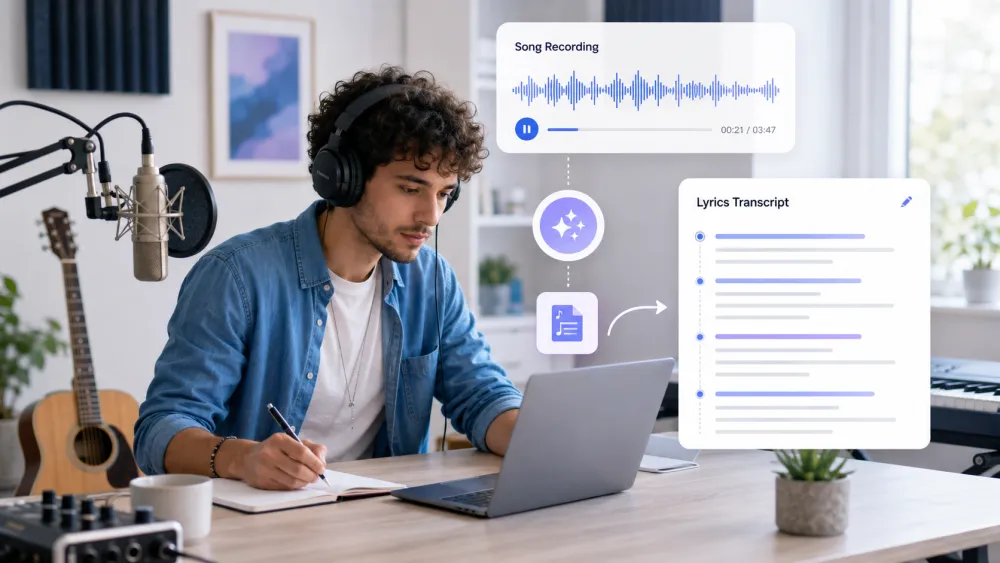
- Harder audio and languages: poor-quality recordings, song lyrics, and translating German audio to English.
Browse all guides
The full list is below. Pick the one that matches your task — each opens with the short answer, then the detailed steps.
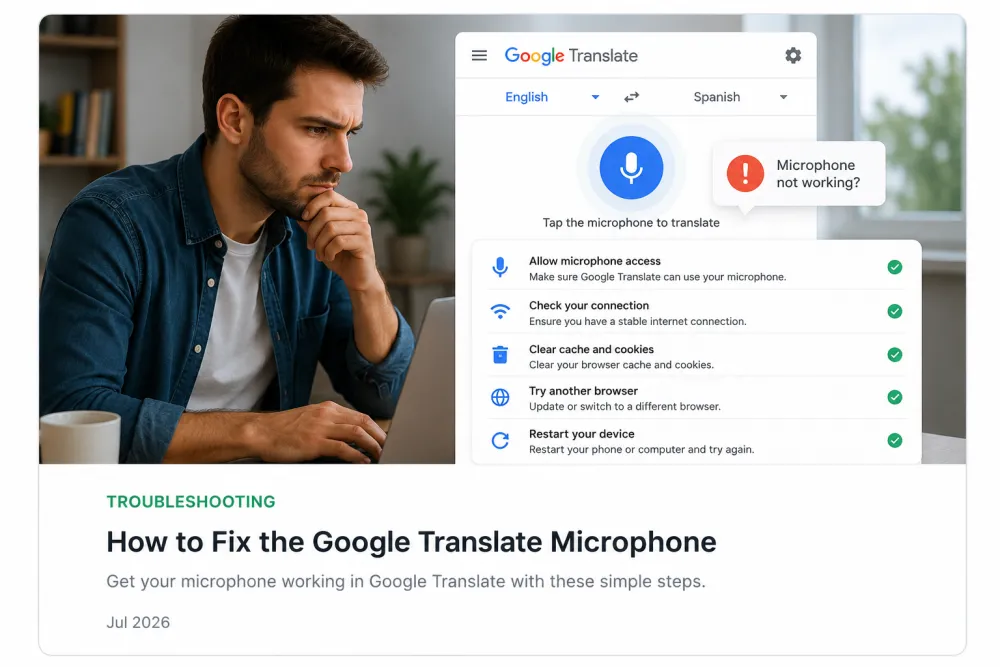
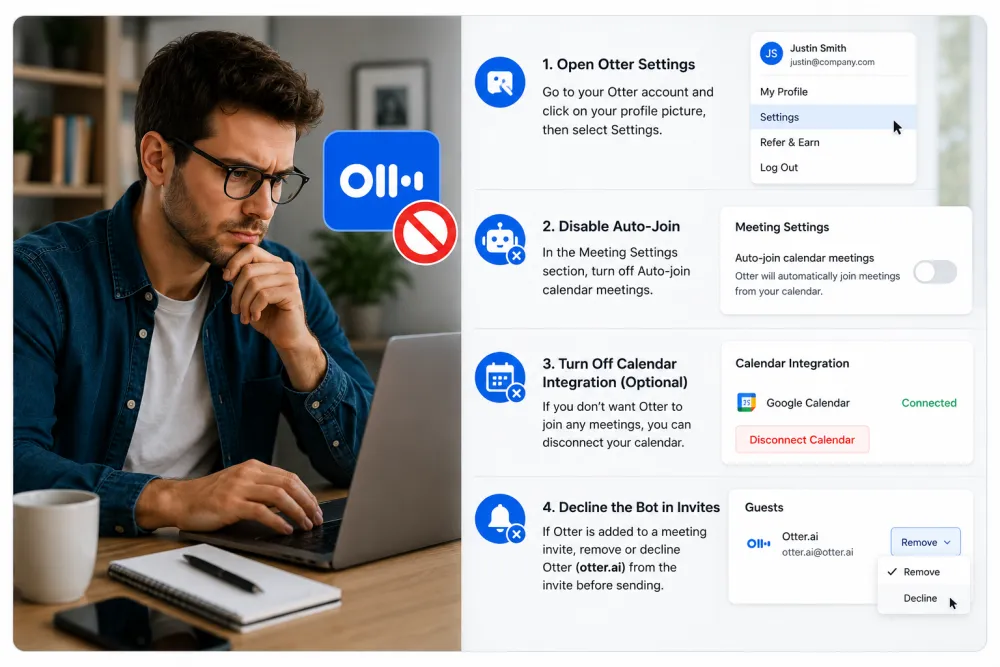
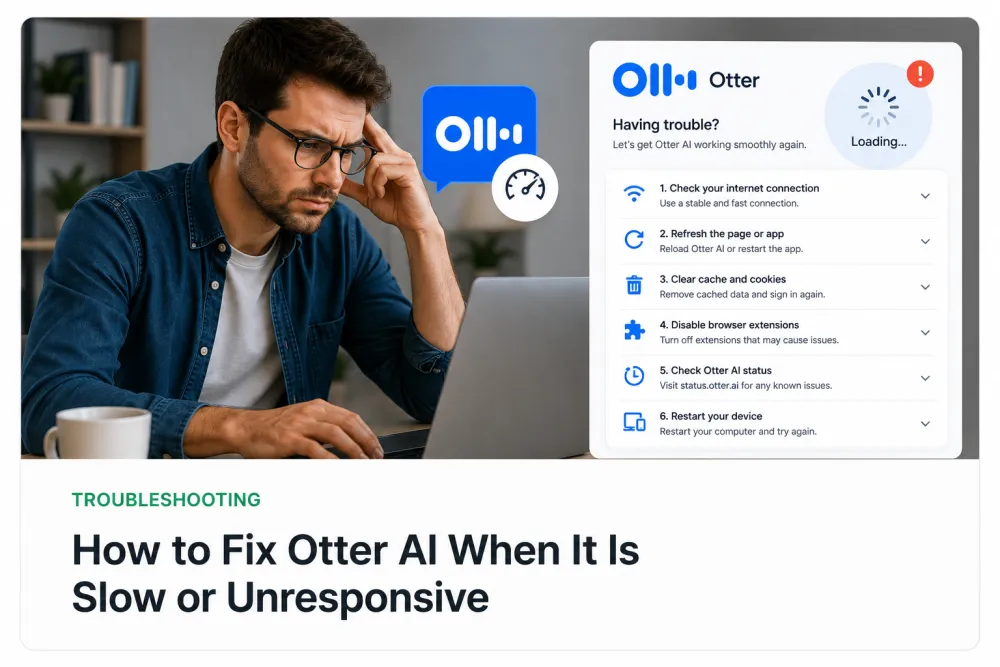
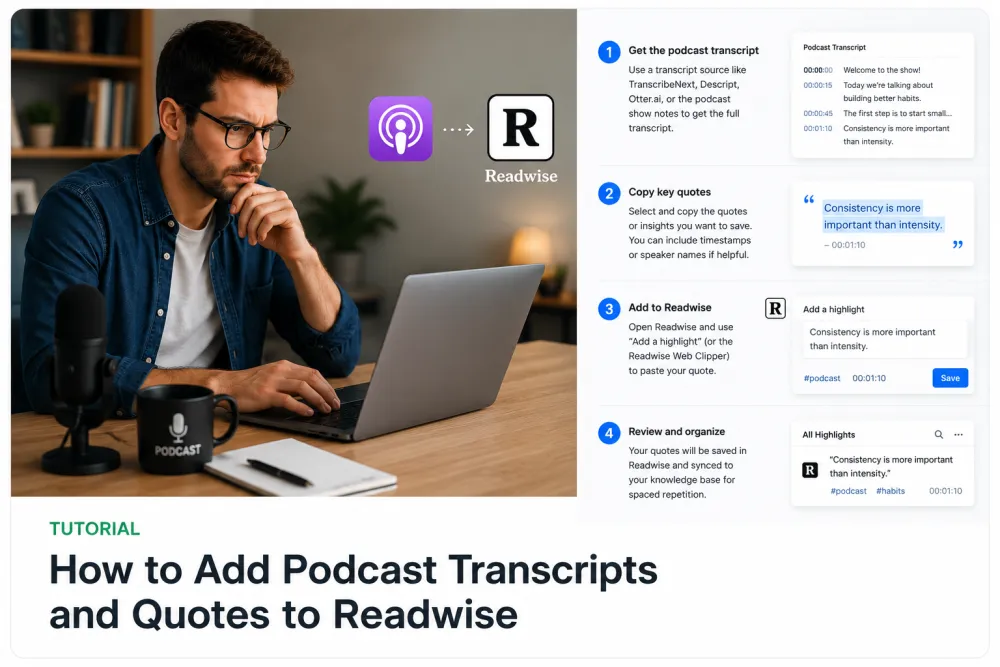
Frequently Asked Questions
Do I need an account to follow these guides?
No. You can transcribe your first 5 minutes free without an account; create one if you want to keep, export, or revisit transcripts.
Which guide should I read first?
Start with "How to Transcribe an Audio Recording" for the core workflow, then move to the device- or tool-specific guide you need.
Do these guides cover free tools too?
Yes. Several guides cover ChatGPT, Whisper, and free device features, and explain where each one works well and where it falls short.
Related resources
Reviewed by the TranscribeThis product team · Last updated: July 2026