
Transcription Use Cases by Role and Team
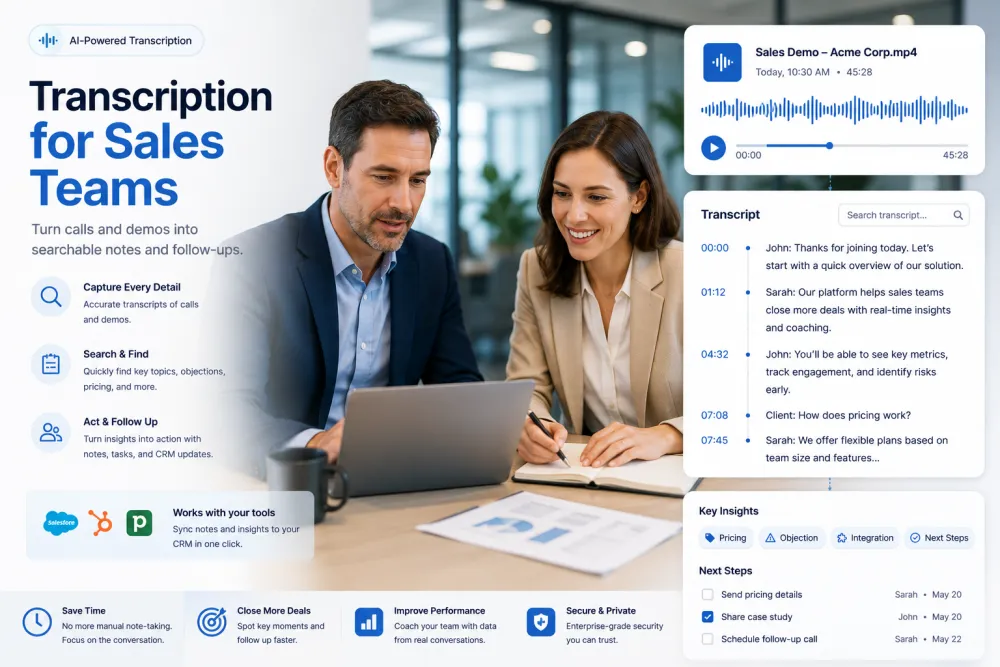
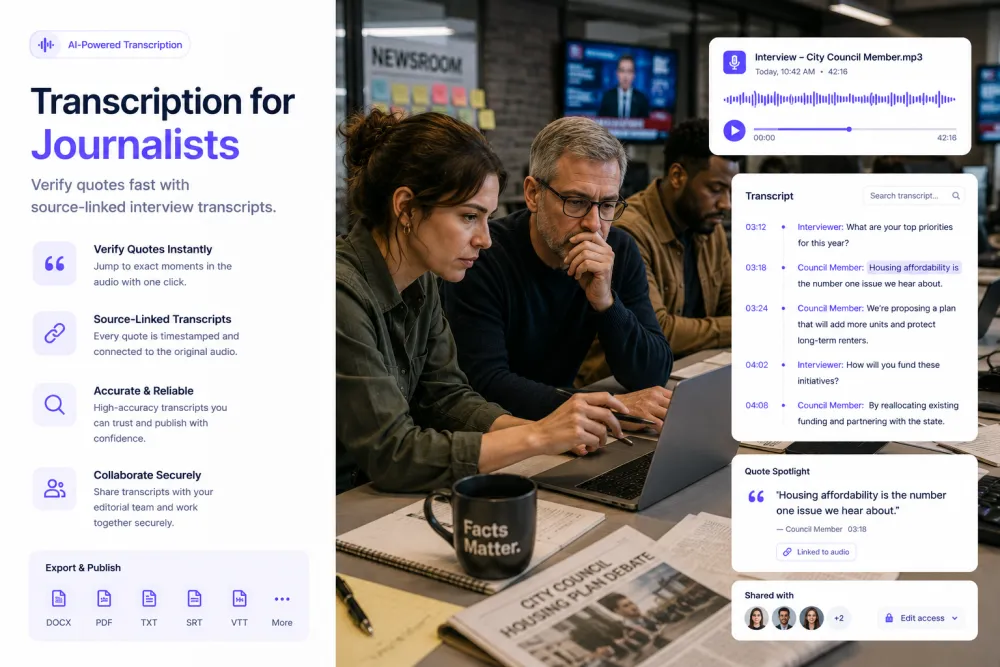
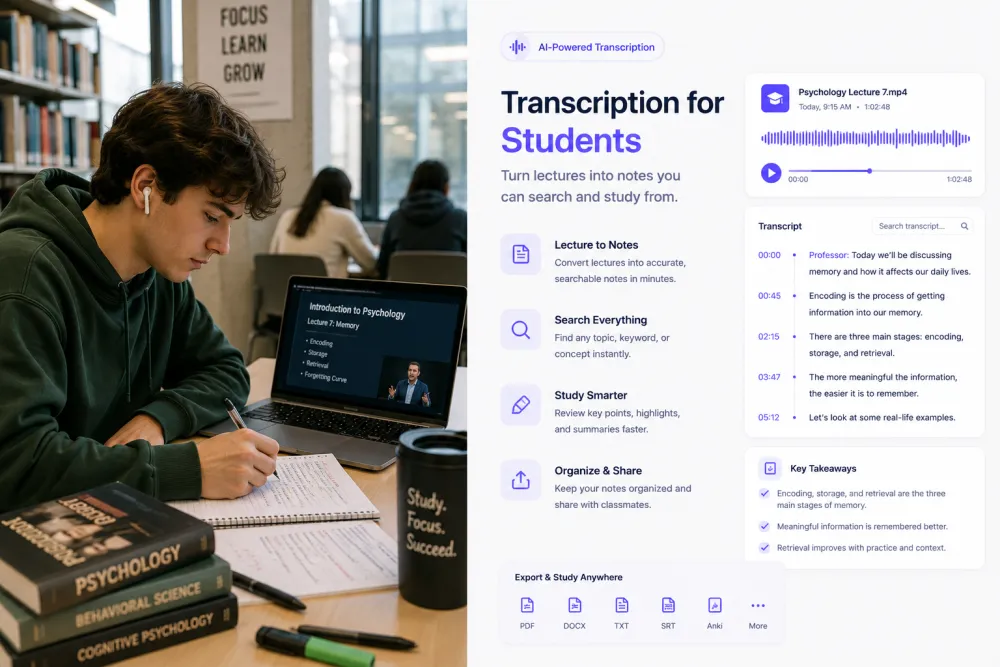
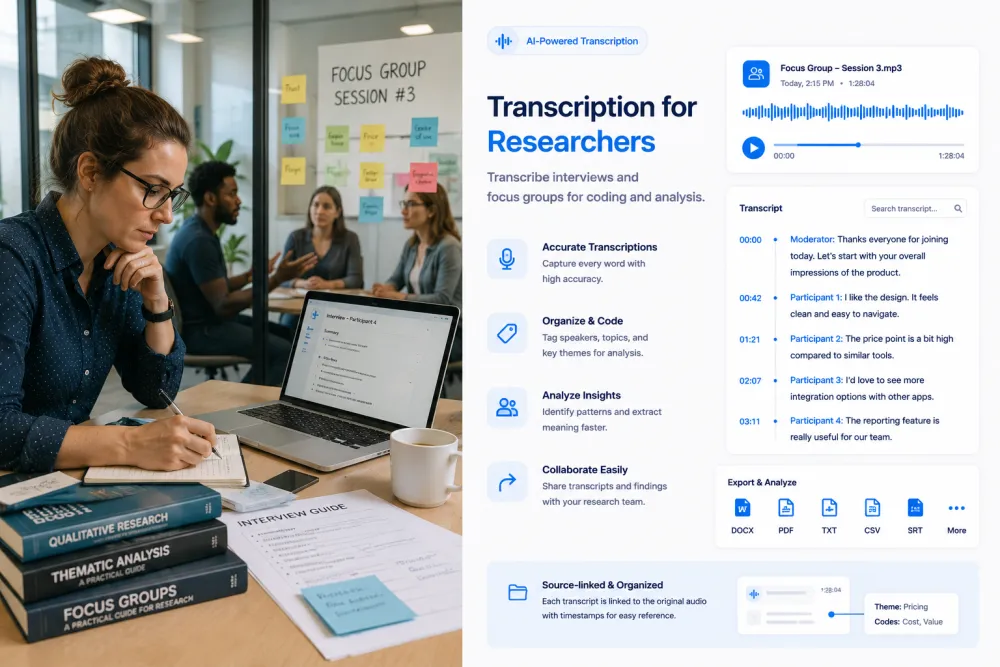
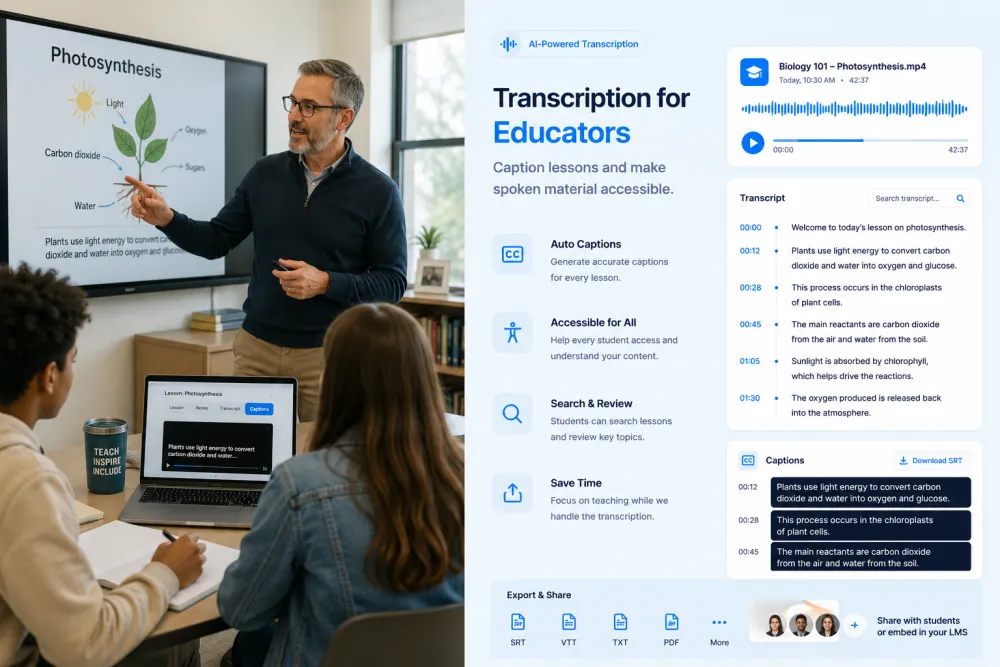
Different teams use transcription for different jobs: sales turns calls into follow-ups, researchers code interviews, journalists verify quotes, creators caption videos, and educators make lessons accessible. Each page below covers one role — the workflow, what to review, and how to export — so you can see how TranscribeThis fits the way you actually work.
How teams use transcription
Transcription is most useful when spoken information needs to become searchable, reviewable, and shareable. The workflow and the amount of review differ by role — a sales follow-up is not a legal record — so each page is written for one team rather than as a generic feature list.
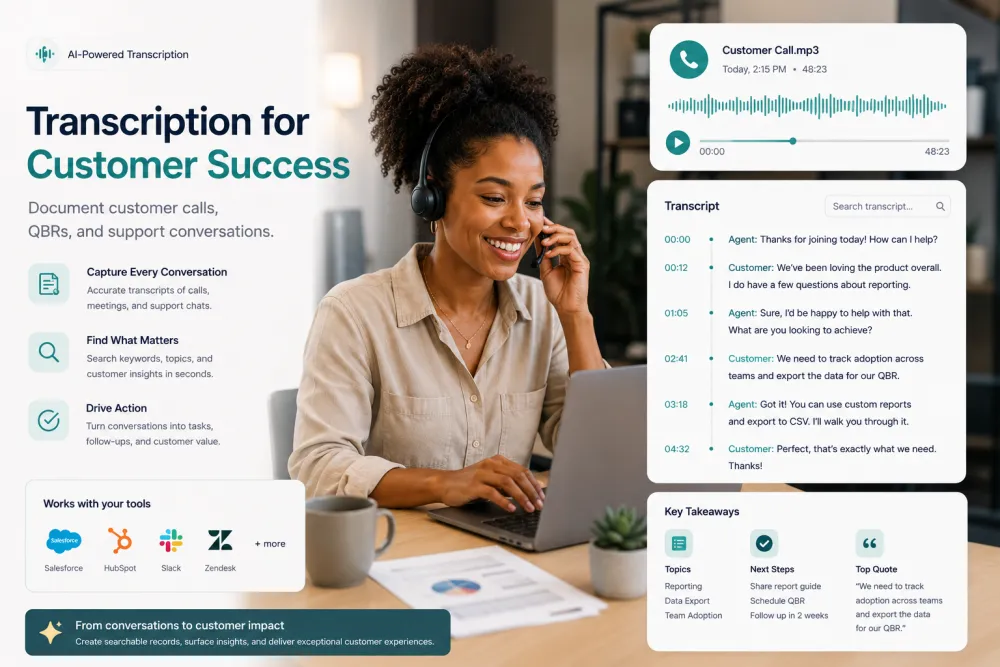
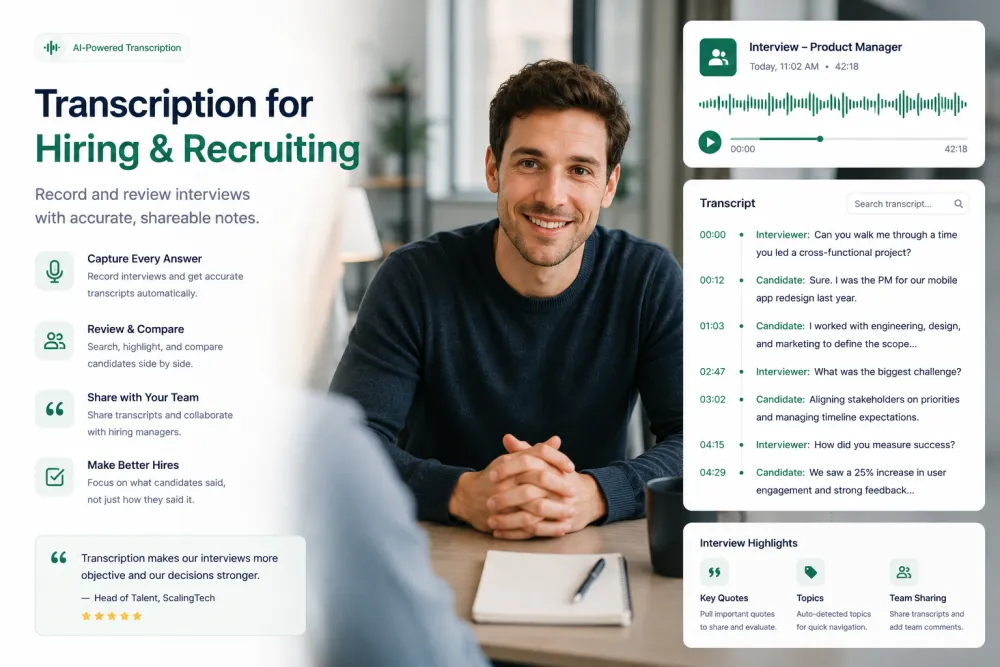
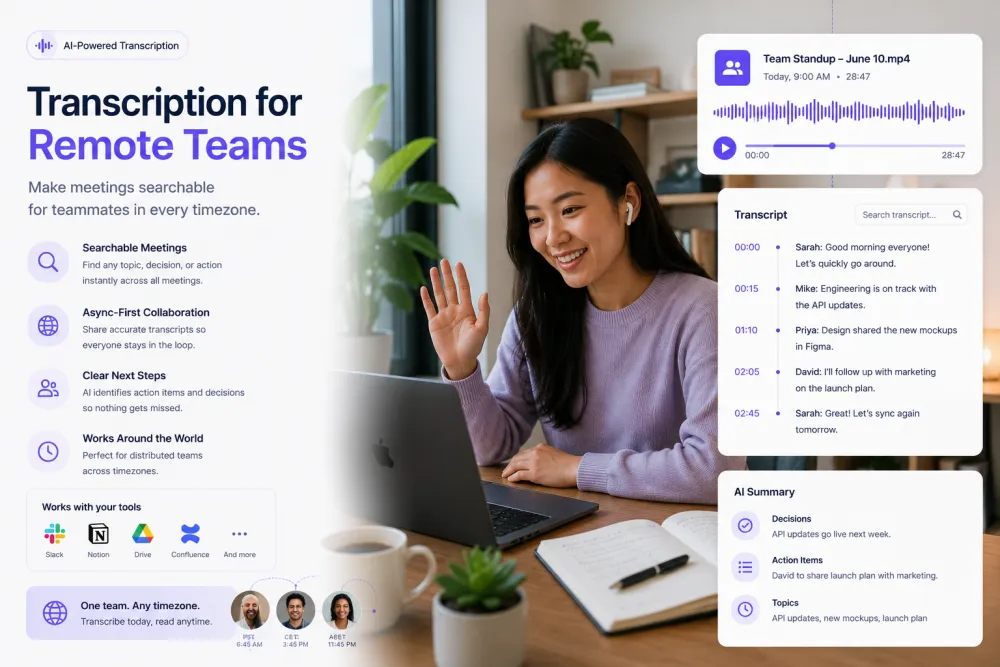
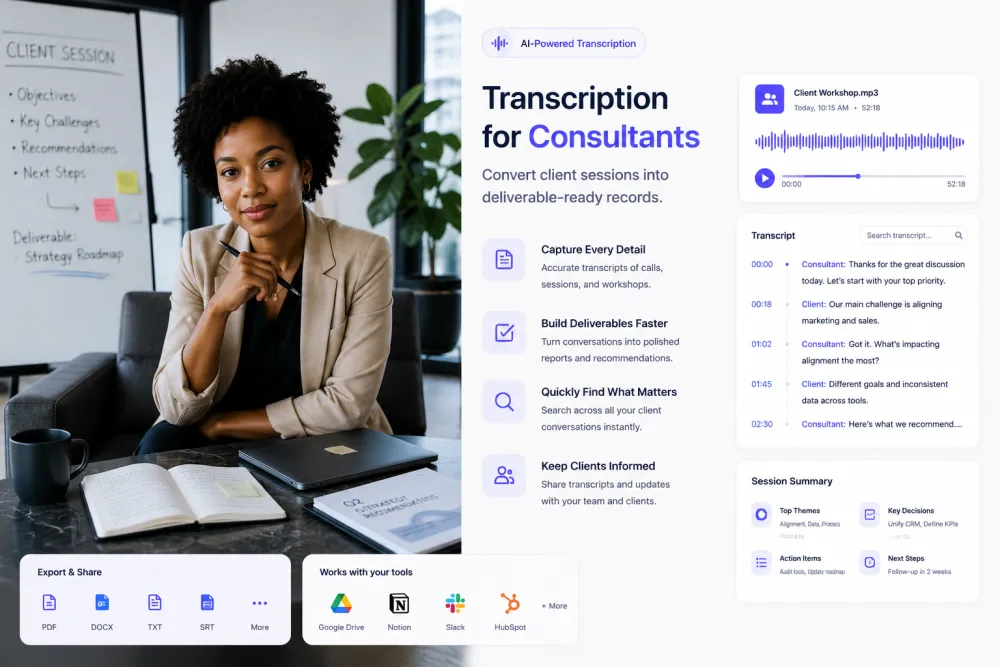
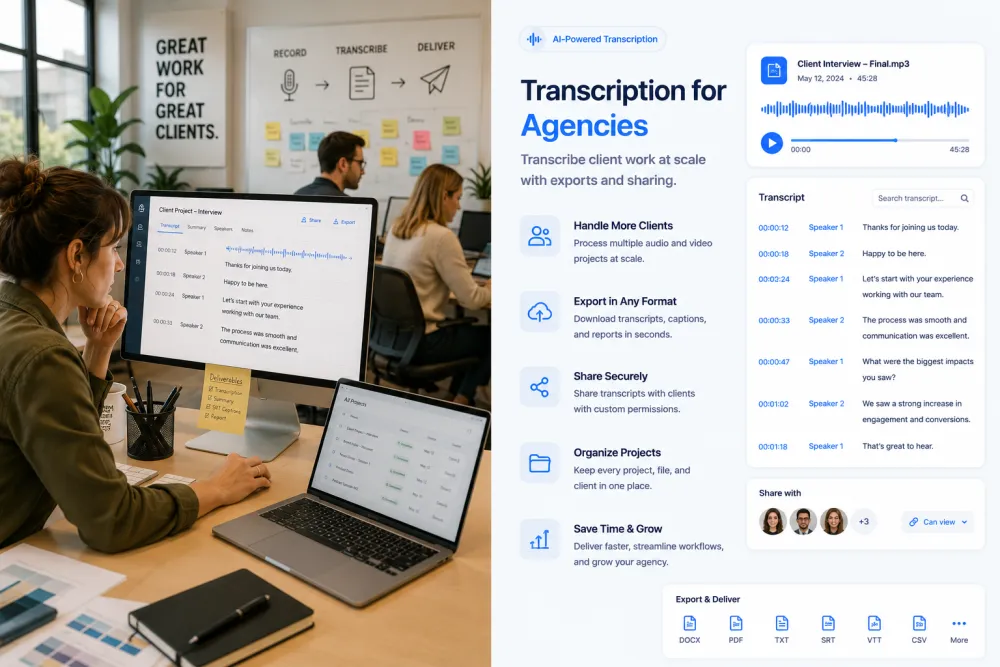
- Business & sales: sales, product research, customer success, recruiting, remote teams, consultants, and agencies.
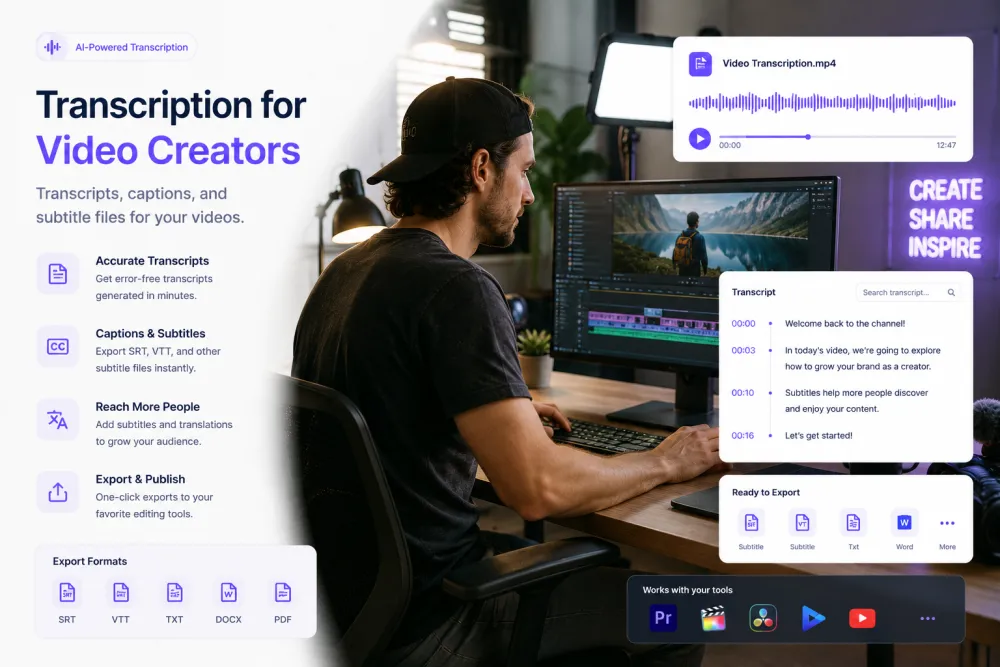
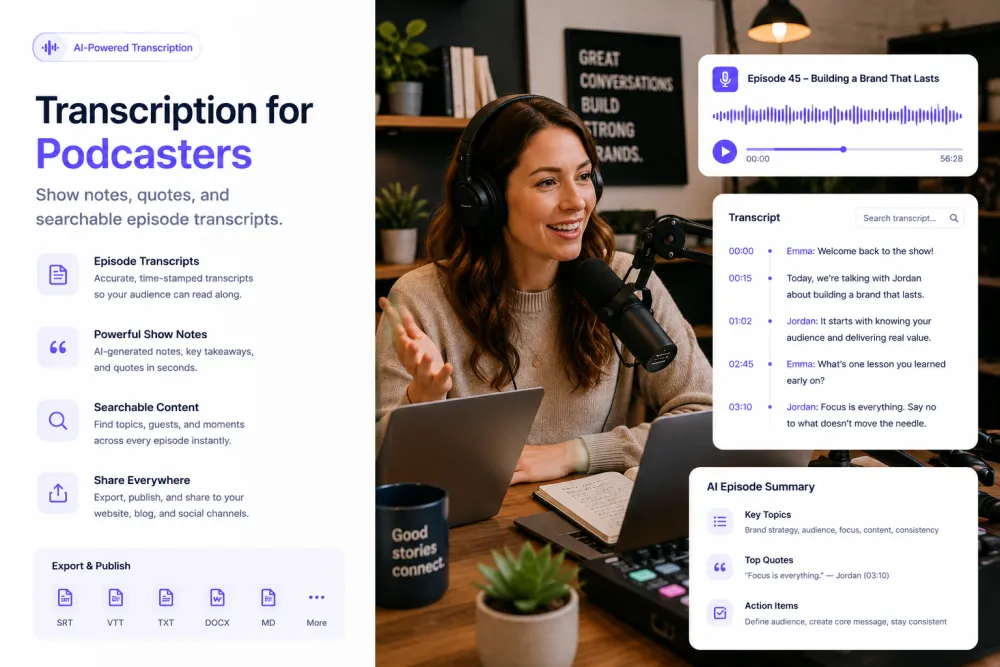
- Media: video creators, podcasters, and journalists.
- Academic: students, researchers, and educators.
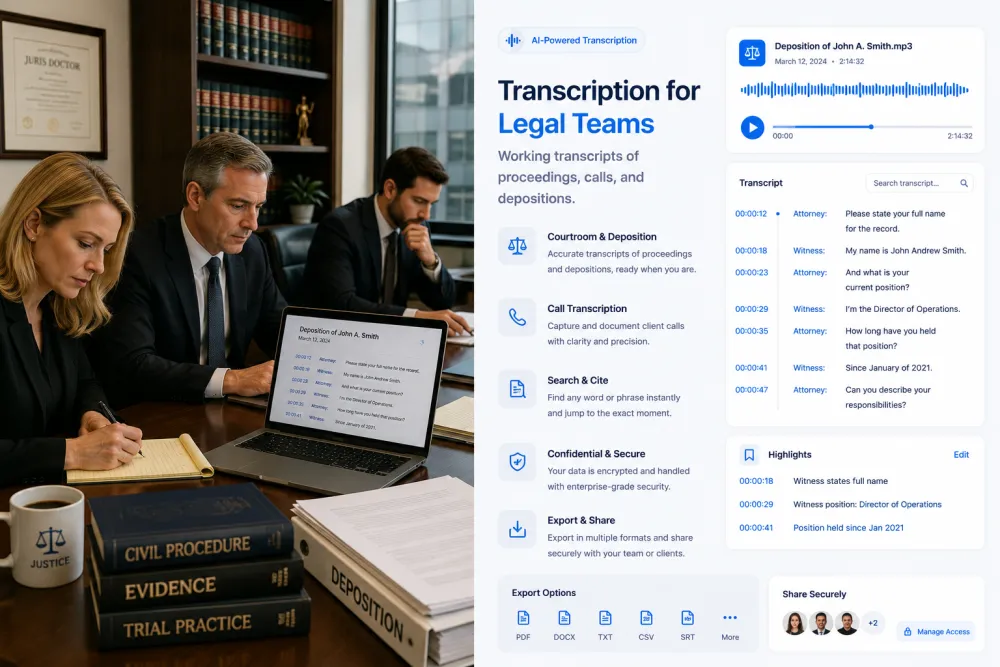
- Professional: legal teams.
Browse all use cases
Pick the role closest to your work. Each page walks through the workflow, what to review, and how to export.

Frequently Asked Questions
Do I need a different plan for my use case?
No. The same TranscribeThis tools work across roles — the use-case pages just show the workflow and export options that matter most for each team.
Which use case should I start with?
Pick the one closest to your role. If none fit exactly, the meetings-focused pages (sales, remote teams, customer success) cover the most common workflow.
Are transcripts good enough for legal or research use?
AI transcription creates a fast working draft. For legal, research, or other high-consequence use, review the transcript against the recording — the relevant use-case pages explain what to check.
Related resources
Reviewed by the TranscribeThis product team · Last updated: July 2026