


At a glance
| Best input | An isolated vocal stem or a clean vocal-forward mix |
|---|---|
| What AI does well | Clear, forward lead vocals with light instrumentation |
| What AI struggles with | Dense mixes, effects, backing vocals, shouted or fast delivery |
| Your job | Correct by ear — slow playback, loop hard lines, verify choruses |
| Free (no account) | First 5 minutes transcribed, files up to 50 MB, preview export |
| Formats in | MP3, WAV, M4A, AAC, FLAC, OGG, Opus, WebM and video audio |
| Formats out | TXT, DOCX, PDF (SRT/VTT if you need timed lines) |
| Before publishing | Check the rights — most commercial lyrics are copyrighted |
Quick answer
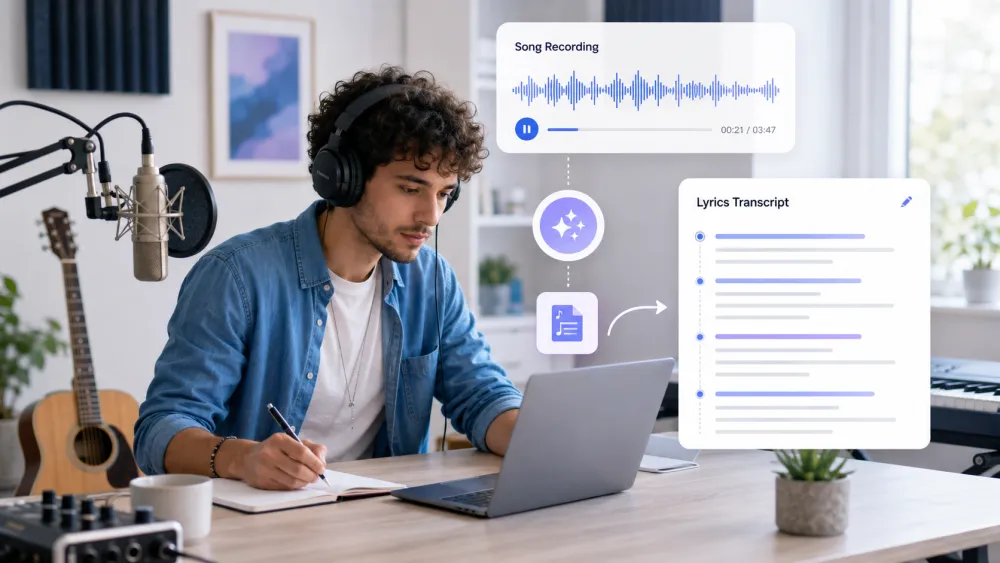
Transcribing lyrics is a two-part job: get the machine to produce a rough draft of the sung words, then correct that draft carefully by ear. Upload the cleanest vocal source you have, let TranscribeThis generate a first pass, and treat every line as a hypothesis until you have confirmed it by listening. Plan on doing real manual work — clean spoken audio can be near-verbatim, but a full music mix rarely is.
Why lyrics are harder than speech
Music actively fights speech recognition. A podcast is one clear voice; a song buries that voice under instruments, effects, and other singers, so the model has far less clean signal to work with. Knowing where it breaks tells you where to spend your review time.
| Obstacle | Why it hurts recognition |
|---|---|
| Instrumentation | Drums, bass, and guitars overlap the vocal frequencies |
| Effects | Reverb, delay, and pitch correction smear consonants |
| Backing vocals | Harmonies and doubles compete with the lead line |
| Overlapping voices | Ad-libs and call-and-response arrive at the same time |
| Delivery | Sustained notes, fast rap, and shouting distort word shapes |
| Non-lexical sounds | "Oohs", vocal runs, and melisma have no fixed spelling |
The practical takeaway: the cleaner and more vocal-forward your source, the closer the first draft will be — and the less manual correction you will do.
Step 1 — Use the best available mix or vocal stem
Feed the tool the cleanest vocal you can get, because the source decides how usable the draft is. An isolated vocal stem is by far the best input; a vocal-forward mix is next; a loud, dense full mix is the hardest case.
- If you have the session or stems, export the lead-vocal track on its own and upload that.
- A cappella versions or acoustic takes transcribe far better than the full production.
- If all you have is the finished mix, pick the section where the vocal sits highest above the music.
- Everything is decoded to 16 kHz mono before recognition, so a "lossless" file adds no accuracy on its own — a cleaner vocal balance matters far more than bitrate.
Step 2 — Generate a first draft
Upload your clip and let the tool produce an initial pass you can edit. Drop the file into the uploader at the top of this page; without an account you can transcribe the first 5 minutes of a file up to 50 MB, which is enough to test how a track transcribes before committing.
Read the draft against the music once, straight through, and mark the lines that are obviously wrong or missing — do not try to fix them yet. Every line carries a word-level timestamp linked to the audio, so you can click a word to jump to that exact moment, which is what makes the correction step in Step 3 fast.
Step 3 — Loop and slow difficult lines
Fix the hard lines by listening in short, slowed-down loops. Use the timestamps to jump to a problem line, then play just that phrase repeatedly until the words resolve — this is how human transcribers work through unclear audio, and it is unavoidable on music.
- Loop one line at a time rather than replaying the whole song.
- Slow playback to 0.5×–0.75× in your media player to hear consonants that vanish at full speed.
- Use headphones — small mix details that decide a word are lost on laptop speakers.
- When a word is genuinely unresolvable, mark it "[unclear]" instead of guessing.
Step 4 — Review repeated choruses and backing vocals
Transcribe a repeated section once, then reuse it — but verify each repeat rather than assuming it is identical. Choruses often change slightly between passes, and backing vocals frequently add ad-libs the model mangles or drops.
- Nail the chorus lyric on its clearest occurrence, then paste it into the other choruses.
- Listen for small variations — an added word, a different final line, a key change in delivery.
- Decide how to handle backing vocals and ad-libs: transcribe them in parentheses, or leave them out consistently.
- Keep repeated sections formatted identically so the final sheet reads cleanly.
Format the lyrics
Format the finished lyrics for how they will be read, not how the transcript came out. A raw transcript is one running block; a lyric sheet needs line breaks, section labels, and consistent capitalization.
- Break lines the way they are sung, not the way punctuation would suggest.
- Add section headers ([Intro], [Verse], [Pre-Chorus], [Chorus], [Bridge], [Outro]).
- Mark backing vocals and ad-libs consistently, e.g. in parentheses.
- Export TXT or DOCX for an editable sheet; use SRT or VTT only if you need lines timed to the audio.
Copyright and publishing
Most commercially released lyrics are copyrighted, so review the rights before you publish anything. Transcribing a song for your own study, practice, or private notes is one thing; posting a full lyric sheet publicly is a distribution decision with legal weight.
- Do not publish copyrighted lyrics without permission or a proper license from the rights holder.
- Licensed lyric platforms exist precisely because reproducing lyrics commercially requires agreements with publishers.
- Personal transcription for learning or reference is generally lower-risk than public reposting — but the rights still belong to the songwriter and publisher.
- If you wrote the song yourself, none of this applies — you own it.
Accuracy limitations
No transcription tool produces reliable lyrics from a full music mix on the first pass — accuracy depends entirely on how exposed the vocal is. A solo a cappella or a clean vocal stem can come back close to right; a dense, effects-heavy production will need substantial correction, and some passages may stay unclear no matter how many times you loop them.
Treat any headline accuracy figure — ours or a competitor's — as a best case for clear spoken audio, not a promise for music. On songs, the honest expectation is a helpful rough draft that saves typing, followed by careful review by ear. That is the fastest reliable path, not a shortcut around listening.
Frequently Asked Questions
Can I transcribe song lyrics automatically?
You can generate a first draft automatically by uploading the audio, but on a full music mix it will contain errors. AI speech recognition is tuned for spoken vocals; music, effects, and backing voices obscure the signal, so plan on correcting the draft by ear.
Is this a dedicated lyric transcriber?
No. TranscribeThis is a general speech-to-text tool, not a purpose-built lyric transcriber. It gives you an editable first draft of the vocal it can hear; the finished lyric sheet comes from your review, slowing down hard lines, and verifying repeats.
How do I transcribe lyrics from a song most accurately?
Feed it the cleanest vocal you can get — ideally an isolated vocal stem or an a cappella version — then correct the draft by looping and slowing difficult lines. The more exposed the vocal, the closer the first pass will be and the less manual work you will do.
Does the AI lyric transcriber separate vocals from the music?
No. TranscribeThis does not perform vocal isolation. If you need a stem, separate the vocal in dedicated source-separation software first, then upload that vocal file here for a cleaner draft.
Why are the transcribed lyrics wrong or garbled?
Because a produced track buries the vocal under instruments, reverb, harmonies, and ad-libs, which distort the words the model hears. Sustained notes, fast delivery, and non-lexical sounds like vocal runs have no clean spelling. This is expected — use the draft as a scaffold and fix it by listening.
Can I publish the lyrics I transcribe?
Only if you have the rights. Most commercial lyrics are copyrighted by the songwriter and publisher, so publishing a full lyric sheet without permission can infringe copyright. Transcribing for personal study or reference is lower-risk; public reposting is a licensing decision.
What format should I export lyrics in?
Use TXT or DOCX for an editable lyric sheet with line breaks and section labels. Use SRT or VTT only if you need the lines timed to the audio, for example for a lyric video — they are timed caption drafts, not finished subtitles.
How much can I transcribe for free?
Without an account you can transcribe the first 5 minutes of a file up to 50 MB and preview the result — enough to test how a specific track transcribes before committing to the full workflow.
Related resources
Reviewed by the TranscribeThis product team · Last updated: July 2026