


At a glance
| Goal | Get the most accurate draft possible from a compromised recording |
|---|---|
| First rule | Start from the original file, not a re-shared, re-compressed copy |
| What enhancement does | Improves intelligibility at best; it never recovers un-recorded speech |
| Speaker separation | Diarization (Standard/Premium) helps when channels or voices are distinct |
| Free (no account) | First 5 minutes transcribed, files up to 50 MB, preview export |
| Processing note | Everything decodes to 16 kHz mono, so a bigger file is not more detail |
| When AI is not enough | Legal/medical or badly degraded audio may need human review |
Quick recovery checklist
Work from the cleanest possible source and change as little as you can. The honest goal with bad audio is not perfection — it is an accurate draft with the uncertain parts clearly marked, because no tool can transcribe words the microphone never captured.
- Find the original recording, not a copy forwarded through chat or email.
- Listen once and note the actual problem: clipping, noise, echo, or low volume.
- If you enhance, keep the original and compare the two drafts side by side.
- Turn on speaker separation where the voices or channels are distinct (Standard/Premium).
- Generate the draft, then verify names, numbers, and quotes against the audio.
- Where a word is genuinely unclear, mark it rather than guessing.
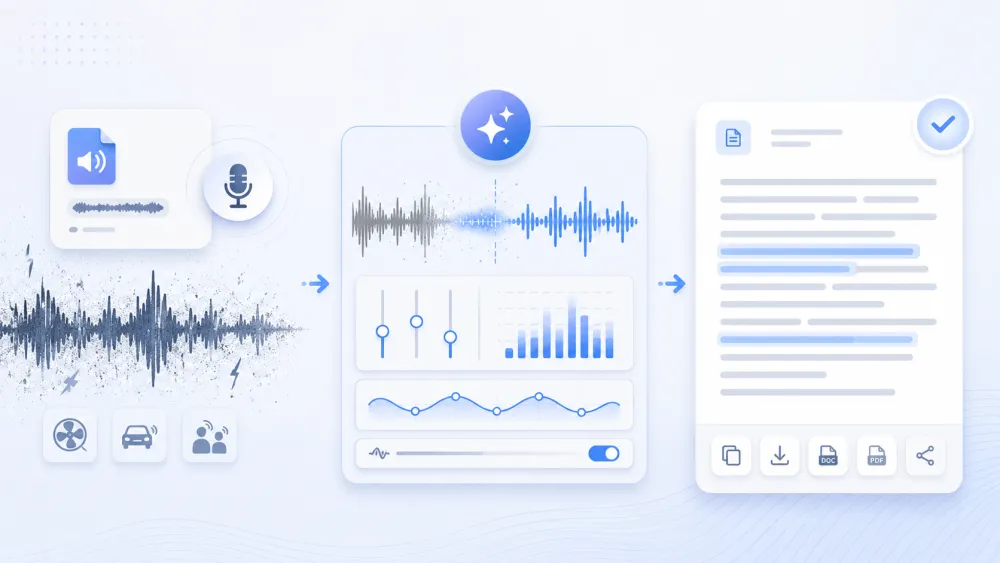
Step 1 — Upload the best available source
The single biggest accuracy decision happens before you upload: which file you start from. A recording that has been shared, forwarded, and re-compressed several times has already lost detail that no tool can add back. Track down the original wherever it lives — the recorder app, the meeting platform, the camera card — and upload that.
- Prefer the original capture over a WhatsApp/Telegram voice-note re-compression or a screen-recorded playback.
- A larger file is not automatically more detailed: TranscribeThis decodes every upload to 16 kHz mono before recognition, so "lossless" or high-bitrate exports do not add accuracy on their own.
- If you only have a degraded copy, that is your ceiling — plan for more review, not a miracle.
Step 2 — Check clipping, noise, echo, and volume
Different problems damage a transcript in different ways, and only some of them can be helped. Listen to a representative minute and identify which issue you actually have before you touch any setting — the fix for background noise is not the fix for clipping.
| Problem | What it does to the transcript | What actually helps |
|---|---|---|
| Clipping / distortion | Peaks are flattened, so loud words become guesses; the information is already gone | Nothing recovers clipped speech — verify those passages by ear and mark unclear words |
| Background noise | Model competes with the noise and drops or mishears quiet words | Gentle noise reduction can raise intelligibility; heavy filtering can eat consonants — compare drafts |
| Echo / reverb | Overlapping reflections smear word boundaries and hurt speaker separation | Reduce reverb lightly if you can; otherwise expect softer accuracy and review carefully |
| Low volume | Quiet speech falls below what the recognizer picks up | Normalizing level up can help — but if a word was inaudible, amplifying only makes the noise louder |
| Crosstalk / overlap | Two voices at once are the hardest case for any model | Use per-speaker channels where they exist; otherwise verify overlapping turns manually |
Illustrative example. A recording where two people talk over each other in a reverberant room will produce a draft that reads smoothly but silently merges their sentences. The audio was never clean enough to separate them, so the fix is your ear, not a filter.
Step 3 — Use conservative enhancement and compare against the source
Enhancement should be a careful experiment, not a blanket "clean up" button. Aggressive noise removal and heavy equalization can strip the consonants and word edges the recognizer relies on, making a noisy-but-legible recording worse. Change one thing at a time and keep the original as your reference.
- Always keep the untouched original — enhancement is destructive and you may need to fall back.
- Transcribe the original and the enhanced copy, then compare: keep whichever draft is genuinely more accurate for your file.
- Prefer gentle, reversible steps (mild noise reduction, level normalization) over dramatic processing.
- Never assume the cleaner-sounding version is the more accurate one — trust the side-by-side comparison against the audio.
Step 4 — Separate channels and speakers where possible
When more than one person is speaking, separating them makes the whole transcript easier to trust — but only when the recording actually supports it. Speaker identification (diarization) is available on the Standard and Premium plans and works best when voices are distinct and not constantly overlapping.
- If your recording has a separate channel per speaker (some call and podcast setups do), that gives the cleanest separation.
- On mixed single-channel audio, diarization estimates who spoke when — clean, non-overlapping voices separate well; crosstalk and echo degrade it.
- After the draft appears, rename "Speaker 1/2" to real names and fix any turns where the split is obviously wrong.
- The free tier does not include diarization; on poor audio, expect to correct some speaker boundaries by hand.
Step 5 — Generate a draft and review uncertain names, numbers, and quotes
On difficult audio the review step is not optional — it is where accuracy is actually won. Every word carries a timestamp linked to the recording, so click into any passage to hear exactly what was said. Machines fail most on the things they cannot infer from context, and those are usually the things that matter.
- Scan for [inaudible] and low-confidence passages first, then anything you plan to quote or act on.
- Verify proper nouns, product names, figures, dates, and jargon by ear — a mis-heard number is the costliest error.
- Where a word is genuinely unclear in the audio, mark it as uncertain instead of committing to a guess.
- Fix overlapping turns manually; no model reliably untangles two voices at once.
When manual or human review is necessary
Some recordings are past the point where automation alone is responsible. If the audio is severely degraded, or the transcript will be used where a wrong word has real consequences, budget for careful human review — or a professional service — rather than trusting an AI draft.
- Heavily clipped, very noisy, or muffled audio where large stretches are genuinely unintelligible.
- Legal, medical, or compliance records that must be verbatim or certified — an AI draft is not a certified transcript.
- High-stakes quotes, figures, or decisions where a single mis-heard word changes the meaning.
- Dense crosstalk or many speakers in a reverberant room, where separation is unreliable.
In these cases, use the AI draft as a starting scaffold — it still saves typing — but treat every uncertain passage as something a person must confirm against the audio.
How to record better audio next time
The most reliable way to transcribe poor audio is to avoid creating it. Because information lost at capture can never be recovered, a few habits at recording time do more for accuracy than any amount of later processing.
- Get the microphone close to the speakers — proximity beats bitrate every time.
- Record in the quietest room you can and reduce echo (soft furnishings, avoid bare hard-walled spaces).
- Have people take turns rather than talk over each other; overlap is the hardest case to fix.
- Where possible, give each speaker their own mic or channel for the cleanest separation.
- Keep and archive the original file — never work only from a forwarded, re-compressed copy.
- Check the level before you start: aim for a clear, un-clipped signal rather than the loudest possible one.
Frequently Asked Questions
Can I transcribe noisy audio?
Yes, and it often works better than expected — the recognizer is trained to handle some background noise. Start from the original file, transcribe it, and review the passages the noise affects. Gentle noise reduction can help intelligibility, but heavy filtering can remove speech detail, so compare the enhanced draft against the original before trusting it.
Can it transcribe distorted or clipped audio?
It will produce a draft, but clipping and distortion permanently destroy information — the loud words that were flattened are simply gone, and no tool can restore them. Expect the model to guess on those passages, so verify them by ear and mark anything genuinely unclear rather than accepting the guess.
How do I improve transcription accuracy on bad audio?
Use the best available source (not a re-compressed copy), keep the original, enhance only conservatively, enable speaker separation where the voices are distinct, then review names, numbers, and quotes against the recording. Accuracy on poor audio is won in the review step, not by any single filter.
Does enhancement or noise removal restore lost speech?
No. Enhancement improves intelligibility at best — it can make existing speech easier to hear. It cannot recover words that were never captured, and aggressive processing can even remove real speech detail. Treat a cleaned-up file as easier to listen to, not as containing new information.
How can I transcribe muffled audio?
Muffled recordings lose the high-frequency detail that makes consonants distinct, so words like similar-sounding names and figures are easy to mishear. Transcribe the original, then listen closely to any critical passage and correct it. Mild EQ can help clarity slightly, but if a word is genuinely unintelligible in the audio, mark it as uncertain instead of guessing.
How does background noise affect the transcript?
Background noise competes with the voice, so the model may drop or mishear quieter words. Clear speech over steady noise usually transcribes well; sudden, speech-like noise (other talkers, music with vocals) is harder. Review the affected sections and, if you filter the noise, compare the result against the untouched original.
Will a bigger or "lossless" file transcribe more accurately?
Not on its own. TranscribeThis decodes every upload to 16 kHz mono before recognition, so what matters is how clearly the voice was recorded, not the file size, bitrate, or format. A clean phone recording often beats a large, noisy high-bitrate file.
When should I use human transcription instead?
When the audio is severely degraded, or when the transcript must be verbatim or certified for legal, medical, or compliance use. An AI draft is a fast starting point, not a certified record — for high-stakes or badly damaged recordings, have a person verify every uncertain passage against the audio.
Related resources
Reviewed by the TranscribeThis product team · Last updated: July 2026