


What Is a Video-to-Text Converter?
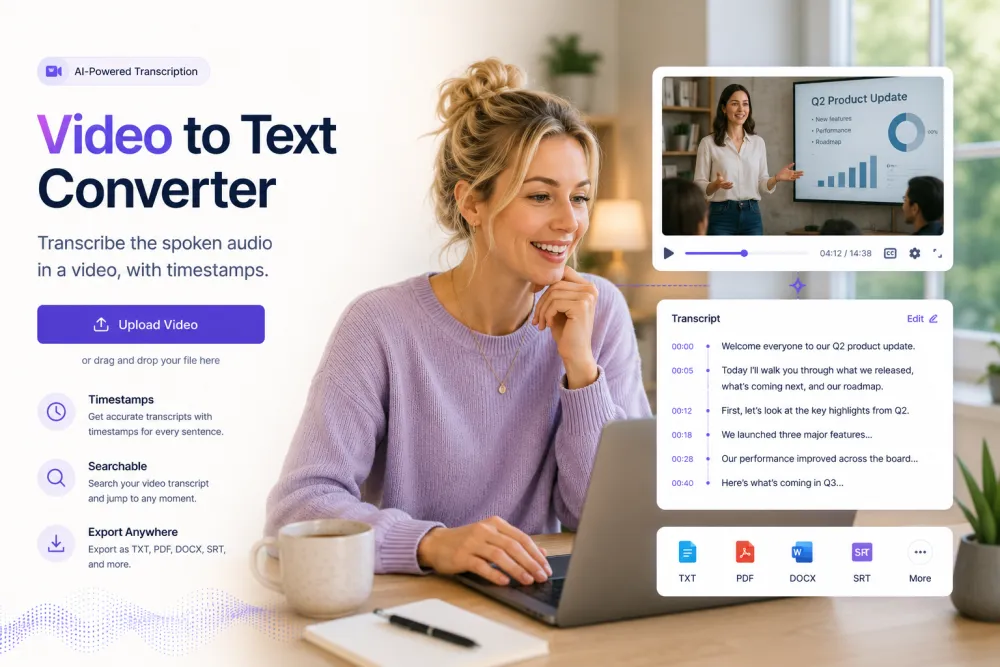
A video-to-text converter turns the spoken words in a video file into written text. It reads the audio track — the speech recorded in the clip — and writes out what was said, usually with timestamps and speaker labels. It works across common video formats such as MP4, MOV, WebM, and AVI. It does not read on-screen text, describe what is shown, or interpret visuals.
The point is to make a video's spoken content readable, searchable, and reusable: a transcript you can skim, quote, translate, or turn into timed subtitle files. The video itself is untouched — you get a text record of the conversation, narration, or dialogue on the soundtrack.
Video to Text at a Glance
| Inputs | Video files (MP4, MOV, WebM, AVI + 30+ formats) or a supported link; processed on our servers |
|---|---|
| Speaker labels | Yes — separates and labels each voice |
| Timestamps | Word-level; click a line to play that moment |
| Search | Search inside a transcript and across your library |
| AI passes | Fixed set: summary, key quotes, action points, decisions, risks, deadlines (free account) |
| Exports | TXT, JSON, audio free; PDF, DOCX, SRT, VTT on paid plans |
| Languages | 90+ languages; translation from the editor (account) |
| Free limit | 50 MB, no signup; guest uploads auto-deleted, never used to train AI |
| Not available | OCR and visual scene description: no — speech only |
Video Transcription That Does More Than Type Words
Accurate Text From Any Video
MP4, MOV, AVI, MKV, WebM — upload the file you already have and our AI extracts the audio and converts your video to text with punctuation, casing, and paragraph breaks intact.


Subtitles and Captions in One Click
Every transcript carries word-level timestamps, so exporting SRT or VTT captions takes a single click. Add accessible, engagement-boosting subtitles to YouTube, TikTok, or your course platform in minutes.
One Video, Endless Content
Watch the transcript highlight in sync with playback, click any line to jump to that scene, and let AI summaries pull the key points — then export the text as a blog post, show notes, or documentation.

What Video-to-Text Output Looks Like
A short excerpt from a two-person tutorial video, transcribed from the audio track.
Illustrative example. The AI summarizes what was actually said in the audio; it does not fill a fixed template, and it does not read on-screen text or describe visuals.
Video Transcription vs OCR vs Captions
Video transcription converts the spoken audio in a clip into text. That is what this page does, across MP4, MOV, WebM, AVI, and other common containers — it listens to the soundtrack and writes out the words. It is the broad category; if you specifically have an MP4 file, the MP4 to Text page covers that container's details.
OCR is a different task: it reads text printed inside the frame — slides, signs, captions burned into the picture — with no sound involved. TranscribeThis does not do OCR, does not describe visual scenes, and does not lip-read. Captions are timed text prepared for on-screen display and can include non-speech sounds like [applause].
What you get here are SRT and VTT files generated from the speech — reviewable timed-text drafts, not publish-ready captions. Proofread names, timing, and line breaks before publishing. TranscribeThis is a speech-transcription tool, not a visual OCR tool and not a video editor.
Convert Video to Text in Three Steps
Upload a video file or paste a supported link — no software to install.
Drag and drop an MP4, MOV, AVI, or any of 30+ audio and video formats — no conversion or editing software needed.
The audio track is extracted and converted to text in minutes, complete with timestamps, punctuation, and speaker detection.
Polish the transcript in the built-in editor, then download SRT/VTT subtitles or PDF, TXT, and DOCX documents.
Related reading
Discover More TranscribeThis Tools
Frequently Asked Questions
How do I convert a video to text online?
Upload your video file (or paste a supported link), and our AI extracts the audio and converts it to punctuated, timestamped text in minutes. Your file is processed on our servers — no software to install.
Is the video to text converter free?
Yes — video transcription is free for files up to 50 MB, with no signup required. Paid plans add longer videos, higher volumes, and advanced features.
Which video formats can I upload?
MP4, MOV, AVI, MKV, WebM, WMV and 30+ other video and audio formats. You don't need to convert or compress the file first.
Can I get subtitles for my video?
Yes. Every transcript includes word-level timestamps, so you can export ready-to-use SRT or VTT subtitle files and upload them straight to YouTube, Vimeo, or your editor.
How accurate is the video transcription?
Up to 99% on clear audio. Background music, crosstalk, or strong accents lower that. A clean recording matters more than the file format.
Which languages are supported?
90+ languages with automatic detection, plus one-click translation of the finished transcript and subtitles.
Can I edit the transcript before exporting?
Yes — fix names, terms, or formatting in the built-in editor, then export as SRT, VTT, PDF, TXT, or DOCX, or copy the text into any app.
Is my video private and secure?
Files are encrypted in transit and at rest and never used to train AI models. Guest uploads that are not saved to an account are deleted automatically.