


What Is MP4 to Text?
MP4 to text is the process of converting the spoken words in an MP4 video file into a written transcript. MP4 is a container format that holds video and audio together; transcription reads only the audio track and writes down what is said. It does not read on-screen text, slides, or visuals — just the speech that can be heard in the recording.
It suits recorded meetings, screen recordings, webinars, and interviews saved as MP4. On TranscribeThis you upload the file and it is processed on our servers; the transcript comes back with speaker labels and word-level timestamps, so you can read, search, and click any line to hear that moment. The transcript covers the audio track only, not anything shown on screen.
MP4 to text at a glance
| Input | MP4 video file — the audio track. 50 MB free, no signup |
|---|---|
| Speaker labels | Yes |
| Timestamps | Word-level; click a line to play that moment |
| Search | Inside a transcript and across your library |
| AI passes | Summary, key quotes, action points, decisions, risks, deadlines (free account) |
| Exports | TXT and JSON free; PDF, DOCX, SRT, VTT on paid plans |
| Languages | 90+, with translation from the editor |
| Processing | On our servers, about 2 minutes per hour of audio |
| On-screen text (OCR) | No — the audio track only, not slides or visuals |
Everything Inside Your MP4, Turned Into Text
Straight From MP4 to Text
Skip the extra step. Drop the MP4 in as-is and our AI pulls out the audio track and transcribes it — phone recordings, Zoom and Teams exports, screen captures, camera footage, all handled the same way.


MP4 Subtitles in One Click
Every MP4 transcript carries word-level timestamps, so SRT and VTT captions are one click away. Upload them alongside your video to YouTube, Vimeo, or your editor — or burn them in later.
Search Your Video Like a Document
The transcript highlights in sync while the recording plays, and clicking a sentence jumps straight to that moment. AI summaries pull the decisions and action items out of a long MP4 in seconds.

What the output looks like
An excerpt from a recorded product meeting saved as MP4.
Illustrative only. The AI summarises what was actually said in your recording rather than filling a fixed template, so wording and fields vary with the audio.
MP4 to text: what it covers
Transcription uses the audio track of the MP4 and writes down the speech. The video track — slides, screen shares, charts, faces, captions burned into the picture — is not read. There is no OCR and no visual analysis, so anything shown but not spoken will not appear in the transcript. If a point matters, make sure it is said aloud.
An MP4 is a container that can hold more than one audio track — for example a language dub plus the original, or separate microphone feeds. The transcript is generated from the audible speech; if a file carries several tracks, confirm which one holds the speech you need. An MP4 with no usable spoken audio — music only, or silence — cannot produce a meaningful transcript.
This page is about the MP4 format specifically. Video to Text is the broad category that also covers MOV, WebM, and AVI; the transcription itself works the same way across them, because every one is decoded to audio first. Use this page when your file is an MP4 and the Video to Text page when you are choosing across formats.
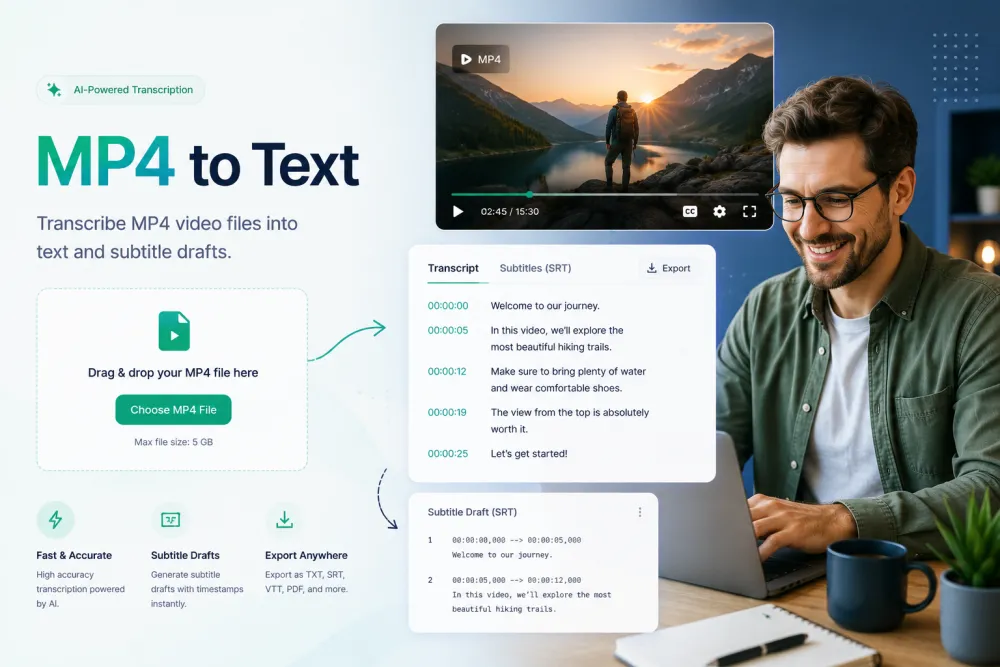
Convert MP4 to Text in Three Steps
Upload your MP4 or paste a supported link — no software to install.
Drag and drop the MP4 file (or MOV, AVI, MKV and 30+ other formats) — no conversion needed first.
The audio is extracted from your MP4 and converted to text in minutes, with timestamps, punctuation, and speaker detection.
Polish the transcript in the built-in editor, then download SRT/VTT subtitles or PDF, TXT, and DOCX documents.
Related reading
Discover More TranscribeThis Tools
Frequently Asked Questions
How do I convert an MP4 to text?
Upload the MP4 (or paste a link) and our AI extracts the audio track and converts it into punctuated, timestamped text in minutes. Everything runs online — no software to install.
Do I need to convert MP4 to MP3 first?
No. Upload the MP4 as it is — we pull the audio out automatically. Converting to MP3 beforehand changes nothing about the result.
Is MP4 transcription free?
Yes — MP4 files up to 50 MB are transcribed free, with no signup. Paid plans add longer videos, higher volumes, and advanced features.
Can I transcribe Zoom, Teams, or Google Meet recordings?
Yes. Those apps export MP4 by default — upload the file and you'll get a transcript with speaker labels, plus an AI summary of decisions and action items.
Can I get subtitles from my MP4?
Yes. Every transcript includes word-level timestamps, so you can export ready-to-use SRT or VTT files for YouTube, Vimeo, or your video editor.
How accurate is the transcription?
Up to 99% on clear audio. Background noise, music, or several people talking at once lower that. A clean recording matters more than the file format.
Which languages are supported?
90+ languages with automatic detection, plus one-click translation of the finished transcript and subtitles.
Is my MP4 file private and secure?
Files are encrypted in transit and at rest and never used to train AI models. Guest uploads that are not saved to an account are deleted automatically.