


Before you record: legal and consent notice
The safest and most portable practice is to tell everyone the call is being recorded and get their agreement before you start — many teams do this by announcing it at the top of the call. Recording indicators and consent prompts exist for this reason; this guide does not cover disabling, hiding, or bypassing them, and you should not.
- One-party consent means at least one participant (which can be you) must consent to the recording.
- All-party (two-party) consent means every participant must consent — silence is usually not consent.
- Cross-border calls can be subject to the stricter of the two jurisdictions involved.
- Some platforms and phone carriers restrict or block call recording regardless of local law.
TranscribeThis does not place, record, or intercept phone calls. It transcribes an audio file you already have the right to use. Everything below assumes you have a lawful recording or lawful consent to make one.
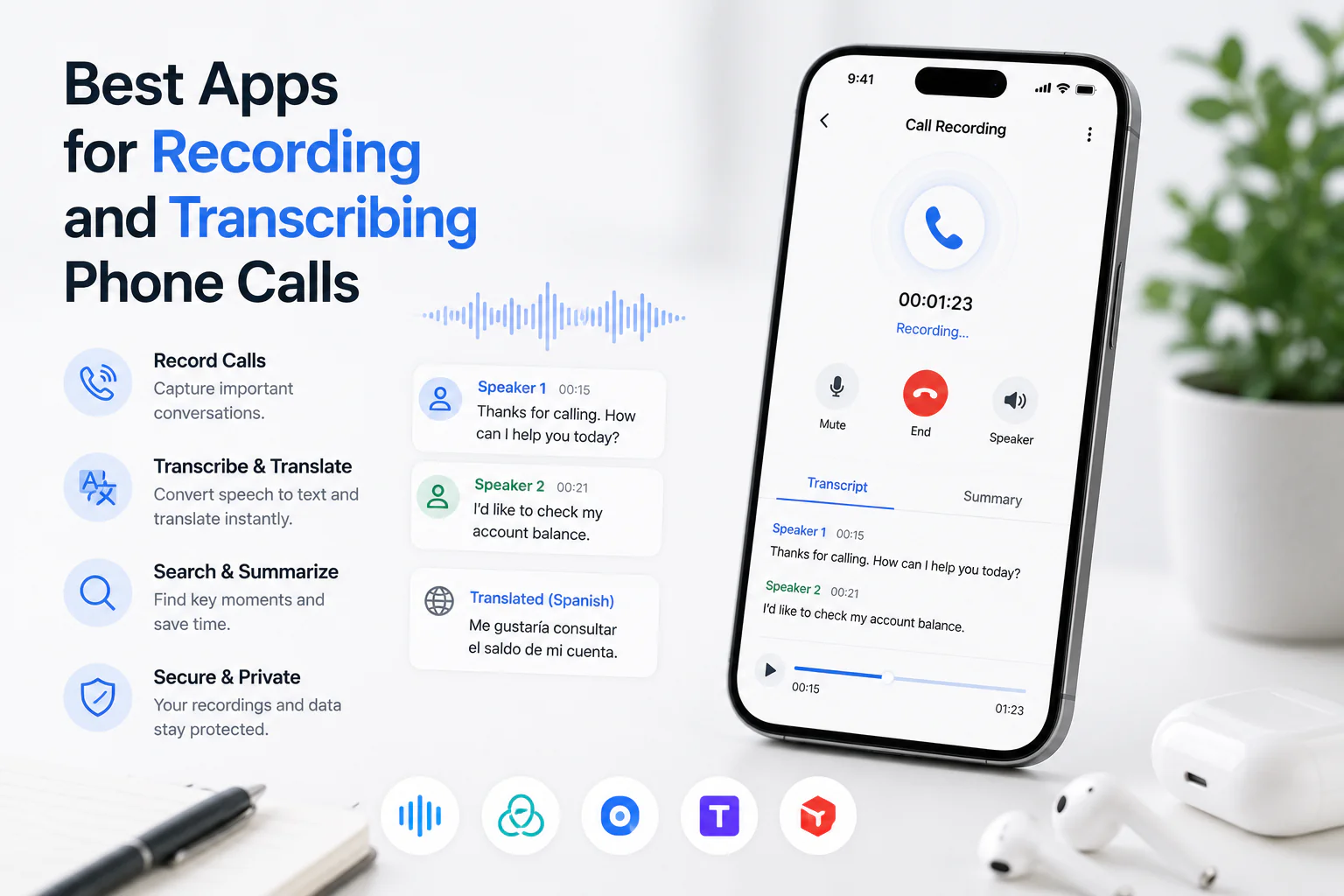
How call recording methods differ
Call transcription apps are not all the same product — they differ first in how the audio is captured, and that determines what platforms they support, what consent prompts appear, and how clean the recording is. Match the method to your call type before you compare features.
| Capture method | How it works | Typical fit | Consent / indicator behaviour |
|---|---|---|---|
| Conference bridge / dial-in | A recording line or bot joins the call as a participant | Scheduled multi-party or business calls | Participants can see a joined recorder; announce and get consent |
| Device / OS feature | The phone or its carrier records the call natively | Mobile 1:1 calls where the OS permits it | The device may play an audible tone or notice; availability varies by region and carrier |
| VoIP / softphone integration | The calling platform (e.g. a business phone system) records at the server | Sales, support, and dialer-based calls | Platform shows a recording state; consent handled in the platform |
| Import an existing file | You upload a recording captured elsewhere | Any call you already lawfully recorded | Consent was handled when the recording was made |
TranscribeThis covers the last row: you bring a lawful recording and it produces the transcript. It does not act as a dial-in recorder for live phone calls. For scheduled video meetings on Zoom, Google Meet, or Teams, a meeting-bot option exists on paid plans, which is a different workflow from importing a phone-call file.
What to evaluate in a call transcription app
The right app depends on your calls, not on a feature count. Evaluate each candidate against the criteria below, and test one real recording of your own before you commit — a demo file hides the accents, crosstalk, and phone-line compression that decide accuracy.
| Criterion | Why it matters | TranscribeThis (verified) |
|---|---|---|
| Recording method | Determines platform support and consent flow | Import a file you recorded lawfully; meeting-bot for video calls on paid plans (not live phone lines) |
| Consent prompts | Legal exposure lives here | App does not record calls; you handle consent when capturing audio |
| Speaker handling | Two-party calls need who-said-what | Speaker labels (diarization) on Standard and Premium; rename speakers |
| Timestamps | Needed to verify and cite passages | Word-level timestamps on uploaded/recorded audio |
| Exports | Where the transcript has to go | TXT, DOCX, PDF, SRT, VTT (full export is paid; free is a preview) |
| Storage & retention | Sensitive call data needs control | Configurable retention; delete anytime; guest uploads auto-removed after 7 days; TLS in transit |
| Regional availability | Recording legality and language coverage vary | Auto language detection; translation across 30+ languages |
| Cost model | Preview vs reusable plan changes the math | Free: first 5 min, up to 50 MB, no account; paid raises limits |
When you compare vendors, keep the columns as criteria like these and fill only what you can verify. Do not trust a headline accuracy percentage for your calls — phone audio is compressed and noisy, so real-world accuracy is usually below a vendor's best-case number.
Best for iPhone, Android, and VoIP or sales calls
There is no single "best" app — the best choice is set by your platform and how you are allowed to capture audio there. Choose by criteria, then transcribe the resulting file.
iPhone calls
Apple restricts third-party access to live call audio, so iPhone call recording generally depends on OS-level features, your carrier, and your region — and some of those play an audible notice. Once you have a lawful recording (for example a voice memo of a call you were permitted to record), upload it here for a transcript with word-level timestamps.
Android calls
Android call-recording availability changed over successive OS versions and varies by device and carrier; capabilities differ widely by market. Evaluate the recording method your device actually supports, confirm the consent rules where you are, then bring the file in for transcription.
VoIP and sales calls
Business phone systems and dialers usually record at the platform level and expose a recording state to participants. For sales and support teams, the practical evaluation is whether the platform records cleanly per-speaker, whether consent is announced, and whether you can export the audio to transcribe and summarise it afterwards. Speaker labels matter most here so you can separate rep from prospect.
Transcription, speakers, and exports
A transcript is a working draft until you verify it, and a call transcript is worth more when it separates speakers and links to the audio. After you upload a lawful call recording, TranscribeThis produces an editable draft you review against the recording.
- Speaker labels (diarization) split the call by voice on Standard and Premium; you rename "Speaker 1" to real names. Two people talking over each other is the hardest case for any tool — review overlaps closely.
- Word-level timestamps let you click a word to hear it, so you can confirm quotes and figures rather than trusting the draft.
- AI actions (a fixed menu: short/extended summary, action points, key quotes, decisions, next steps, and more) turn a call into notes — a summary is not the transcript and should be checked against it.
- Exports are TXT, DOCX, PDF, SRT, and VTT. SRT/VTT are reviewable caption drafts, not finished or certified subtitles.
For any call that must be certified or verbatim — a legal proceeding, a regulated record — an AI draft is not a substitute for a professional human transcription service. Use AI for speed and review; use a certified human service where the record has to hold up formally.
Privacy and storage for call recordings
Call recordings are among the most sensitive files you will upload, so storage and retention controls matter as much as accuracy. Recordings and transcripts are encrypted in transit (TLS), retention is configurable (the default keeps a file until you delete it), and you can delete any file yourself; guest uploads are removed automatically within roughly two hours.
- Set a retention window that matches your policy for call data instead of keeping recordings indefinitely by default.
- Delete a recording and its transcript once you no longer need them.
- Processing partners operate under no-training terms, so your call content is not used to train AI models.
- At-rest encryption is provider-dependent — if a compliance framework requires specific at-rest guarantees, confirm the current terms rather than assuming them.
Storage does not remove your consent obligations. Keeping a recording securely is separate from having had the right to make it — the legal notice at the top of this page still governs whether the recording should exist at all.
Frequently Asked Questions
What are the best call transcription apps?
There is no single best app — the right one depends on your platform (iPhone, Android, or a VoIP system), how you are lawfully allowed to capture the audio, and whether you need speaker labels and exports. Evaluate candidates on recording method, consent prompts, speaker handling, timestamps, exports, retention, and cost, and test one real recording in each before committing.
How do I record and transcribe a phone call?
First confirm the recording law where you and the other party are — some places require all-party consent. Capture the audio lawfully using a method your platform supports (a conference bridge, a device or carrier feature, or a VoIP platform), then upload the resulting file to a transcription tool. TranscribeThis transcribes the file; it does not record live phone calls.
Is it legal to record a phone call?
It depends on your jurisdiction and sometimes the other party's. Some places allow recording with one party's consent; others require every party to consent. Cross-border calls can be subject to the stricter rule. This is general information, not legal advice — check the current law or ask a lawyer before recording, and do not disable or bypass consent prompts or recording indicators.
Can TranscribeThis record my phone calls?
No. TranscribeThis is post-recording: it transcribes a recording you already have. It does not place, tap, or intercept live phone calls. You capture the audio lawfully elsewhere, then upload the file for a transcript.
Does a call recorder with transcription tell speakers apart?
In TranscribeThis, speaker labels (diarization) are available on the Standard and Premium plans. They split the call by voice so you can see who said what, and you can rename the speakers. The free tier does not include diarization.
Can I transcribe an iPhone or Android call recording for free?
Yes, within limits. Without an account you can transcribe the first 5 minutes of a file up to 50 MB and preview the result. Upload a recording you captured lawfully on your device and TranscribeThis produces a transcript with word-level timestamps.
What can I export a call transcript as?
TXT, DOCX, PDF, SRT, and VTT. Full export is a paid feature; the free tier provides a preview. SRT and VTT are reviewable caption drafts rather than finished, certified subtitles.
Is an AI call transcript good enough for legal or compliance records?
Treat an AI transcript as a fast, reviewable draft, not a certified record. For legal proceedings or regulated records that must be verbatim or certified, a professional human transcription service is the appropriate tool; AI transcription is best for speed, notes, and internal review.
Related resources
Reviewed by the TranscribeThis product team · Last updated: July 2026