


At a glance
| The real choice | Not "which recorder" but "which transcription workflow" — on-device, in-app, or cloud upload |
|---|---|
| On-device | Fast and private, but usually shorter, single-language, and lower accuracy on hard audio |
| Cloud / upload | Higher accuracy and more features (speaker labels, exports), but audio leaves the device |
| TranscribeThis | Cloud, post-recording: record or upload a file, then it is processed (not live) |
| Free to try here | First 5 minutes transcribed, files up to 50 MB, no account |
| Verify vendor specs | Prices, minutes, and language counts change — check each product’s current page |
What "a voice recorder with transcription" actually means
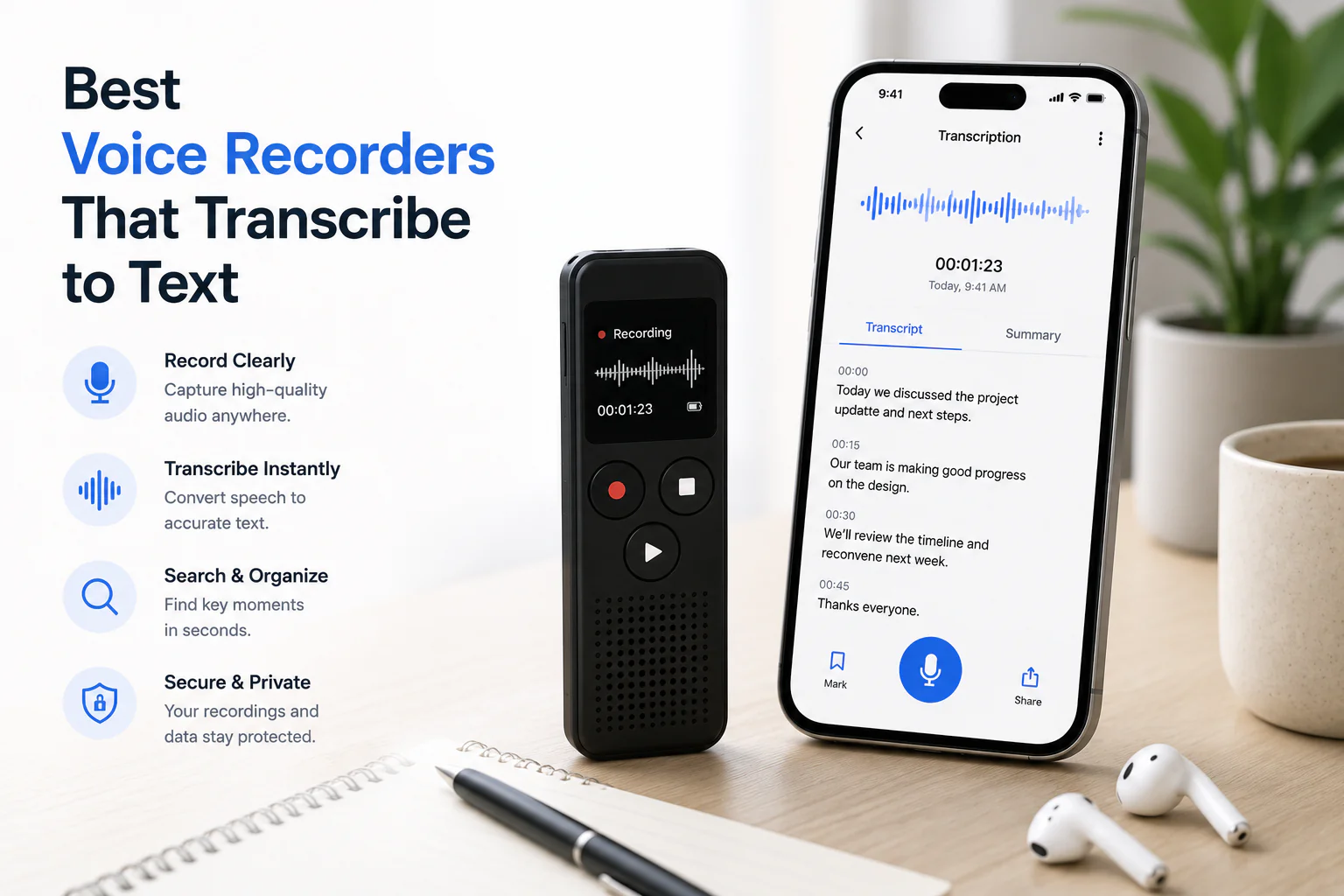
The phrase covers three different things, and mixing them up is how people end up disappointed. A phone voice-memo app records audio and may (or may not) transcribe it. A dedicated hardware recorder captures high-quality audio but often has no transcription of its own — you export the file and transcribe it elsewhere. A recorder app with built-in AI does both, but where the recognition runs matters: on your device, or after uploading to a cloud service.
So the honest advice is: do not shop for "the recorder that transcribes." Decide which transcription workflow fits your privacy, accuracy, and language needs first, then pick hardware or an app that supports it.
How recorder + transcription workflows differ
The workflow you choose sets your ceiling on accuracy, privacy, length, and features before you record a single word. This table is the core decision — the categories are honest generalisations, not vendor claims.
| Workflow | Where speech becomes text | Typical strengths | Typical limits |
|---|---|---|---|
| On-device (phone/recorder chip) | Locally, offline | Private, fast, no upload, works without signal | Often shorter clips, fewer languages, weaker on noise/accents/crosstalk, rarely speaker labels |
| In-app AI (mixed) | Some local, some cloud | Convenient, one app for record + text | Varies per app — read the privacy page to learn what is uploaded |
| Cloud / post-recording (e.g. TranscribeThis) | On a server after upload | Higher accuracy, speaker labels, exports, longer files, translation | Audio leaves the device; needs a connection; not live/real-time |
| Human service (Rev human, TranscribeMe, Scribie) | A person transcribes | Certified/verbatim quality for legal or medical | Slower and costs more; different product from AI drafting |
What to evaluate in any option
Ignore marketing headlines and score each candidate on the things that decide whether it works for your recordings. Test one real recording of your own in each tool and check these:
- Microphone and capture quality — can it get clean audio at your typical speaker distance? This matters more than bitrate.
- Transcription workflow — on-device, in-app, or cloud upload? That decides privacy and accuracy.
- Speaker support — does it separate and label multiple voices (diarization), or give you one wall of text?
- Timestamps — word-level (click a word to hear it) or only rough segments?
- Storage — how long are files kept, on the device or a server, and can you delete them?
- Exports — can you get TXT, DOCX, PDF, or caption files (SRT/VTT), or are you locked into a viewer?
- Privacy and retention — what is uploaded, is it encrypted in transit, and is your audio used to train models?
- Cost model — free preview vs free trial vs a reusable plan, and per-file or per-minute limits.
Best choice by use case
The right pick depends on what you record. Match the use case to the workflow rather than to a brand.
| You mostly record… | What matters most | Workflow that usually fits |
|---|---|---|
| Interviews | Speaker separation, close-mic clarity, word timestamps for quoting | Cloud with speaker labels; a good external mic on the capture side |
| Lectures | Long single-speaker files, searchable text, exports for notes | Cloud upload; on-device is fine for short clips |
| Meetings | Multiple voices, who-said-what, sharable summary | Cloud with diarization; a meeting bot if you need to auto-join calls |
| Voice notes / memos | Speed, convenience, privacy for quick thoughts | On-device or a phone app; upload only when you need clean text |
On TranscribeThis specifically: speaker labels (diarization) and word-level timestamps are available for uploaded and recorded audio (diarization on the Standard and Premium plans), and a meeting bot for Zoom, Google Meet, and Teams is a Standard/Premium feature that is distinct from the post-recording flow.
On-device vs cloud transcription
On-device transcription keeps audio on the phone or recorder and works offline, which is the strongest privacy story and needs no connection. The trade-off is that on-device models are usually smaller: shorter clips, fewer languages, and more mistakes on noise, accents, and overlapping speech. Cloud transcription uploads the audio and runs a larger model, which typically means better accuracy, speaker labels, translation, and long-file support — at the cost of sending your recording to a server.
Microphone quality and speaker distance
Capture quality decides accuracy more than any spec sheet. A close, clean microphone beats a high-bitrate recording of a distant, echoey room every time. Speaker distance, background noise, and crosstalk are what break transcription — not whether the file is "lossless."
- Get the mic close to the speaker; a lapel or handheld mic on the person talking beats a recorder across the table.
- Reduce background noise and echo before you rely on software cleanup.
- For interviews, a separate channel or mic per speaker helps speaker separation far more than a higher bitrate.
Privacy, storage, and subscription costs
Before you commit, read the privacy page and the pricing page of any option — these change often, so treat every number you see (including ours below) as something to re-check on the current page. Ask three questions: what leaves my device, how long is it kept, and what does it really cost to use repeatedly (not just the trial)?
Be careful with the word "free." Free software, a free trial, and a free preview are three different things. Many tools give you a capped preview or a time-limited trial, then require a plan for full exports or longer files.
- TranscribeThis privacy: files are encrypted in transit (TLS); retention is configurable (default keep-until-you-delete; guest uploads auto-delete within about two hours); processing partners operate under no-training terms. At-rest encryption is provider-dependent — confirm if it is a hard requirement.
- TranscribeThis free tier (no account): the first 5 minutes of a file up to 50 MB, with a preview export. A free account adds 3 transcriptions a day and 150 MB of storage.
- TranscribeThis paid tiers handle longer files (up to 2 GB / 5 hours on Standard; up to 5 GB / 8 hours on Premium, with teams) — check the pricing page for current plan details.
Test your own recording
The fastest way to choose is to try a real file rather than trust a listicle. Upload a recording from any recorder into the tool at the top of this page: no account transcribes the first 5 minutes of a file up to 50 MB so you can judge accuracy on your own audio, then export TXT, DOCX, PDF, SRT, or VTT once you are on a plan.
Frequently Asked Questions
What is the best voice recorder with transcription?
There is no single best one — it depends on your workflow. Decide first whether you need on-device, in-app, or cloud transcription, then judge candidates on mic quality, speaker labels, exports, privacy, and cost. Test one real recording in each before buying.
Is there a recorder that transcribes automatically?
Some phone apps and AI recorder apps transcribe automatically, but check where the recognition runs. On-device transcription is private but usually shorter and less accurate; cloud transcription is more accurate and supports speaker labels but uploads your audio. Many dedicated hardware recorders do not transcribe at all — you export the file and transcribe it elsewhere.
What is a good voice-to-text recorder for interviews?
For interviews, prioritise a close microphone per speaker and a workflow that separates voices (diarization) with word-level timestamps so you can verify quotes. That usually means capturing clean audio and running it through a cloud transcriber that supports speaker labels, rather than relying on a distant single mic.
Can I record on one device and transcribe on another?
Yes, and it is often the best approach. Capture the cleanest audio you can on a phone or dedicated recorder, then upload the file to an audio recorder and transcriber like this one. TranscribeThis is post-recording, so any recorder’s file works as long as it is a supported format.
Does TranscribeThis record and transcribe live as I speak?
No. It is post-recording: you record or upload a file and it is processed afterwards, not streamed live. Browser recording is available once you sign in, but the transcript is produced after the recording, not word-by-word in real time.
On-device or cloud transcription — which should I pick?
Pick on-device if offline use and keeping audio on your device are non-negotiable, and you can accept shorter, less accurate results. Pick cloud if you want higher accuracy, speaker labels, long files, and exports, and you are comfortable uploading the audio to a server under clear privacy terms.
Are free voice-recorder transcription tools any good?
They can be, but "free" varies: some give a capped preview, some a time-limited trial, some limited on-device transcription. Confirm the real limits (minutes, file size, export access) before relying on one. TranscribeThis lets you transcribe the first 5 minutes free with no account so you can test quality first.
What audio formats can I upload from my recorder?
TranscribeThis accepts MP3, WAV, M4A, AAC, FLAC, OGG, Opus, WebM, WMA, AMR, and the audio track of video files like MP4, MOV, MKV, and AVI. Everything is decoded to 16 kHz mono before recognition.
Related resources
Reviewed by the TranscribeThis product team · Last updated: July 2026