


What makes an audio note app useful
A useful audio note app does more than capture sound — it turns a recording into something you can read, search, and act on. The criteria that actually matter are consistent across categories, so evaluate any app against them rather than trusting a feature headline.
- Transcription: does it produce a text transcript, and is that transcript editable?
- Timestamp linking: can you click a word or note and jump to that moment in the audio?
- Search: can you find a phrase across your notes instead of scrubbing the recording?
- Summaries: does it draft summaries or action points, and are they a fixed menu or free-form?
- Speaker labels: does it separate voices for interviews and meetings?
- Export and sharing: what formats come out, and are they available on the free tier?
- Privacy and retention: where is audio processed, how long is it kept, and can you delete it?
- Cost model: is the free tier a preview, a capped allowance, or a time-limited trial?
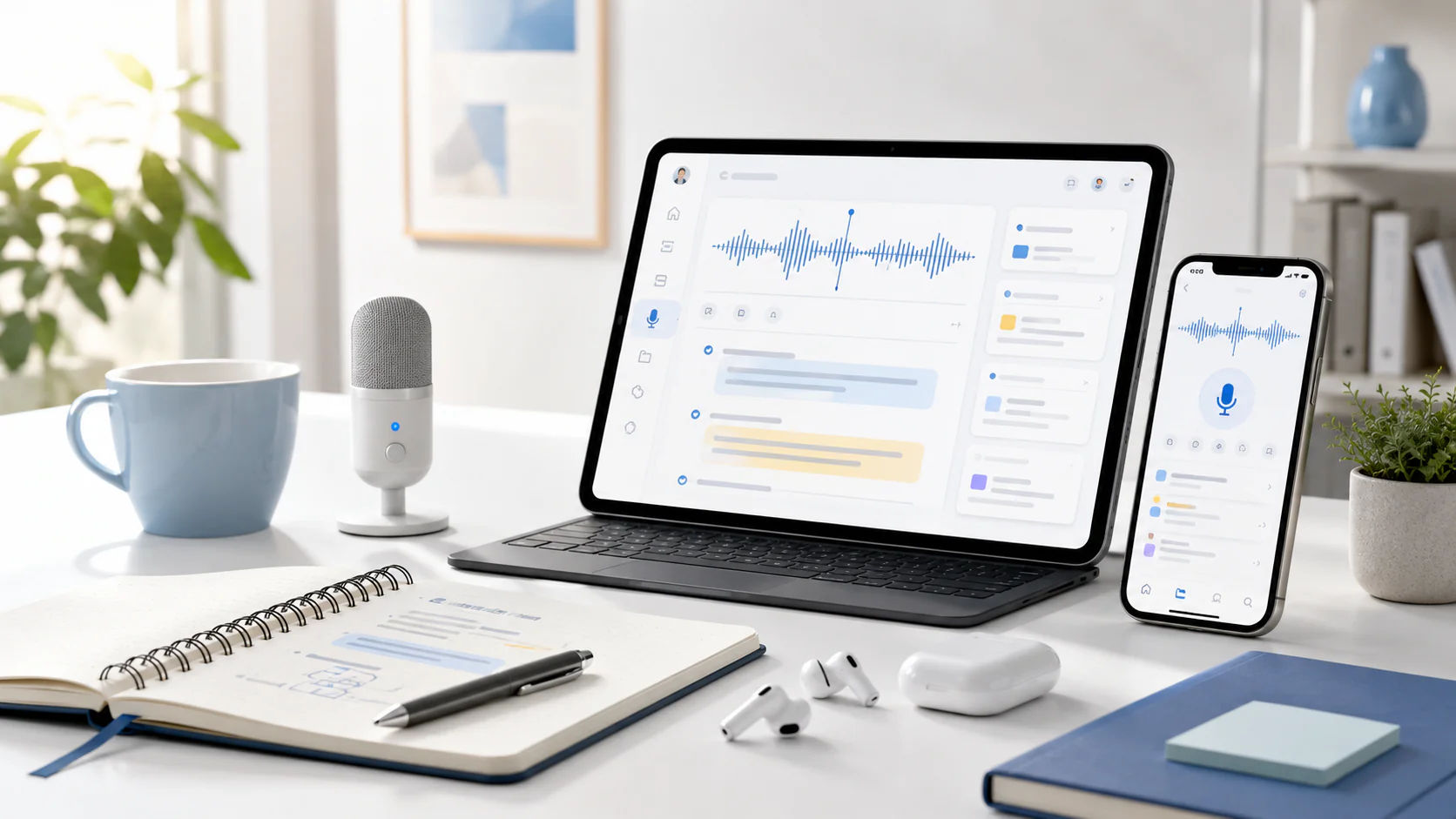
Recorder vs transcript editor
The category splits into two kinds of tool, and they solve different problems. A voice recorder captures audio; a transcript editor captures audio and gives you a synchronized, searchable text layer on top of it.
| Capability | Plain recorder | Transcript editor |
|---|---|---|
| Captures audio | Yes | Yes |
| Produces a transcript | Usually no | Yes |
| Click a note to hear the moment | No | Yes (timestamp-linked) |
| Search across recordings | By filename only | By spoken words |
| Summaries / action points | No | Often, from a fixed menu |
| Best for | Quick voice memos you replay | Notes you revisit, quote, or share |
If you only ever replay a memo, a recorder is enough. The moment you need to find a quote, reuse a decision, or share notes with someone, the transcript editor category earns its place.
How to test one on your own note
The fastest way to choose is to run one real recording through each candidate and compare. Do not rely on marketing accuracy numbers — test on audio that resembles what you actually capture.
- Pick a representative 3–5 minute recording: your real voice, your typical background, and more than one speaker if you record meetings.
- Run it through each app and read the transcript against the audio — count the errors that would matter to you (names, numbers, jargon).
- Check timestamp linking: click a line and confirm it jumps to the right moment.
- Test search: look for a phrase you know is in the recording.
- Try an export: see which formats are available and whether export is free or gated.
- Note the privacy terms: where audio is processed and how long it is retained.
Comparison criteria
Compare tools by criteria, not by a leaderboard. Below, the TranscribeThis column lists verified facts; for any other app, open its current page and fill in the same rows yourself — specifics change too often to quote here as fact.
| Criteria | TranscribeThis (verified) | Any other app |
|---|---|---|
| Free access | Guest: first 5 min, files ≤50 MB, no account | Check the vendor's current page |
| Transcript | Editable transcript for uploads and recordings | Check the vendor's current page |
| Timestamps | Word-level for uploads/recordings; segment-level for YouTube links | Check the vendor's current page |
| Speaker labels | Yes, on Standard and Premium | Check the vendor's current page |
| Summaries | Fixed menu (summary, action points, minutes, decisions, next steps…) | Check the vendor's current page |
| Exports | TXT, DOCX, PDF, SRT, VTT (full export paid; free = preview) | Check the vendor's current page |
| Processing | Cloud, post-recording (not live) | Check the vendor's current page |
| Retention | Configurable; guest uploads auto-deleted after 7 days | Check the vendor's current page |
Best for voice memos, lectures, and meetings
The right app depends on what you record, so match the use case to the criteria rather than a single "best" pick.
Voice memos
For quick thoughts on the go you want fast capture and a searchable transcript so a memo becomes findable text later. A word-level transcript matters less than reliable search and easy export.
Lectures
Long recordings reward timestamp linking and summaries: you want to jump to the moment a concept was explained and pull a short summary for revision. Check the per-file duration limit before relying on any tool for a full lecture.
Meetings
Multi-speaker audio needs speaker labels (diarization) so the transcript reads as a conversation, plus action points or minutes. In TranscribeThis, speaker labels are on Standard and Premium; a separate meeting bot can join Zoom, Google Meet, and Teams on paid plans, which is distinct from post-recording transcription.
Timestamped notes and search
Timestamp-linked notes are the feature that turns a recording into a reference you can navigate. When each line of text is tied to a moment in the audio, you can click to verify wording, jump to the part that matters, and search by what was said instead of scrubbing a waveform.
In TranscribeThis, uploaded and recorded audio carries word-level timestamps, so clicking a word plays that exact moment. YouTube imports are segment-level because they are built from the video's existing captions rather than fresh recognition. Illustrative example: searching a two-hour interview for "budget" lands you on the sentence, not a rough guess at the minute.
On-device vs cloud processing
Where audio is processed is a real decision, not a detail. On-device processing keeps audio on your machine, which some privacy-sensitive workflows require, but is bounded by your hardware. Cloud processing sends audio to a server, which usually means stronger models and no local compute cost, in exchange for uploading the file.
TranscribeThis is cloud and post-recording: your file is uploaded and transcribed on the server, then returned as an editable transcript. If your requirement is strictly on-device (audio never leaves the machine), that is a different category — confirm an app processes locally before assuming it does.
Free limits and pricing
Read the free tier before you commit — "free" describes several different models, and only one of them lets you rely on a tool long term. The label rarely tells you which you are getting.
| Free model | What it usually means |
|---|---|
| Preview | You see a sample of the output; full export or the finished transcript is paid |
| Capped allowance | A set number of minutes, files, or transcripts per day or month |
| Time-limited trial | Full features for a short window, then a paid plan is required |
| Free software | The app itself is free but may lack transcription, export, or summaries |
TranscribeThis uses a preview-plus-allowance model: guests transcribe the first 5 minutes of a file up to 50 MB with no account; a free account adds a small daily allowance and storage; paid plans raise duration, file size, and add speaker labels. For any competitor, confirm the exact numbers on the vendor's current pricing page — those figures change and are not quoted here as fact.
Transcript, summary, and captions are not the same
Apps in this space blur three outputs that serve different needs, so name what you actually want before choosing.
- A transcript is the full spoken text — best for search, quoting, and record-keeping.
- A summary is a condensed draft (key points, action items) — useful, but it is an AI draft, not a substitute for the transcript.
- Captions/subtitles (SRT/VTT) are timed lines for video — reviewable caption drafts, not finished, styled, accessibility-certified subtitles.
And an AI draft is not a certified transcript: for legal or medical records that must be verbatim and certified, a professional human transcription service is a different product from any of these apps.
Frequently Asked Questions
What is the best audio note-taking app?
There is no single best app — it depends on what you record. For notes you revisit, quote, or share, pick a transcript editor with timestamp-linked text and search rather than a plain recorder. Test one real recording in each candidate and compare the errors, timestamps, and export options that matter to you.
What is a note-taking app with audio recording?
It is an app that records audio and turns it into notes you can read and search. The most useful ones produce an editable transcript where each line links back to the moment in the audio, so a note is tied to its source. You can try that flow on your own file in the recorder at the top of this page.
What is the best dictation note-taking app?
Dictation (speaking to create text as you go) and transcription (turning a finished recording into text) are different jobs. TranscribeThis is post-recording transcription: you record or upload, then it processes the file — it is not a live dictation tool. If you need words to appear in real time as you speak, that is a separate category to evaluate.
What is a good voice notes app?
A good voice notes app captures quickly, transcribes reliably, and lets you search your notes by spoken words. Judge candidates on transcription quality on your own voice, timestamp linking, search, and whether export is free or gated — not on a headline accuracy number.
Do these apps transcribe in real time?
Some do and some do not — confirm before relying on it. TranscribeThis is post-recording: you record in the browser or upload a file, and it is processed afterwards rather than streamed live as you speak.
Are the timestamps accurate to the word?
In TranscribeThis, uploaded and recorded audio carries word-level timestamps linked to the recording, so clicking a word plays that moment. YouTube imports are segment-level because they come from the video's existing captions. Other apps vary — test timestamp linking on your own recording.
Is a free audio note app enough?
It depends on the free model. Free tiers are commonly a preview, a capped allowance, or a time-limited trial, so confirm what you actually get before depending on one. TranscribeThis lets guests transcribe the first 5 minutes of a file up to 50 MB with no account so you can test on your own audio.
Can it tell speakers apart in a meeting?
Speaker labels (diarization) are what make a multi-speaker transcript readable, but they are not universal. In TranscribeThis they are available on the Standard and Premium plans; the free tier does not include them. Check each app's current plans for whether speaker separation is included.
Related resources
Reviewed by the TranscribeThis product team · Last updated: July 2026