


How to read this guide
| What "offline" means | Audio is processed on your own device, not sent to a remote server |
|---|---|
| Fully local | Recording and recognition both run on-device (e.g. open-source Whisper builds) |
| Offline-recording only | Captures audio offline but uploads it for processing later |
| Cloud (not offline) | Post-recording web tools like TranscribeThis — convenient, no local install |
| Main trade-off | Local = privacy and control; cloud = no setup, no hardware requirements |
| This page | A decision framework, not a ranked listicle with invented numbers |
What counts as offline transcription?
Offline transcription means the speech-recognition step runs on your own computer, so the audio never leaves the device. That is a stricter bar than it sounds: many tools marketed as working "offline" only record offline and still send the file to a server for processing. Before you choose one, decide which of three categories a tool actually falls into.
| Category | How it works | Privacy profile |
|---|---|---|
| Fully local | Both recording and recognition run on your device; no upload | Audio stays on your machine end to end |
| Offline-recording only | Records without a connection, then uploads to a server to transcribe | Audio leaves the device when it is processed |
| Cloud / post-recording | You upload or record, and a remote service transcribes it | Audio is sent to the provider over the network |
Why you might need offline transcription
You need genuinely offline (fully local) transcription when the audio cannot leave your device, for policy or practical reasons. If none of the reasons below apply to you, a cloud tool is usually faster to start with and needs no hardware.
- Privacy or confidentiality rules that forbid sending recordings to a third party.
- Air-gapped or restricted environments where uploading is not permitted.
- No reliable internet connection at the place or time you record.
- A preference to keep full control of the files and the model, with no per-minute cloud cost.
Be honest about the requirement. "I would rather it stayed private" often points to a cloud tool with a strong retention and deletion policy; "the file legally cannot leave this machine" points to fully local software.
What to evaluate in a local tool
Local transcription tools differ on a handful of criteria that matter far more than a headline accuracy number. Score each candidate against the same list rather than trusting a ranking.
| Criterion | What to check |
|---|---|
| Platform | Does it run on your OS (Mac, Windows, Linux), and does it need Apple Silicon or a specific GPU? |
| Model and hardware | Which model sizes are supported, and how much RAM / VRAM and CPU/GPU do they need? |
| Speaker labels | Is diarization available locally, or does that step require a cloud call? |
| Timestamps | Word-level or segment-level, and can you click to the audio position? |
| Languages | Which languages are supported on-device, and is translation local or cloud? |
| Setup | Command line vs a packaged app; how much configuration before the first transcript? |
| Speed | Real-time factor on your hardware — larger models are more accurate but slower locally |
Illustrative example. A researcher on a laptop with no discrete GPU may find a large local model runs several times slower than the audio, while a smaller model transcribes in near real time with a modest accuracy trade-off. The "best" tool is the one whose model size matches your hardware and patience.
Open-source and command-line options
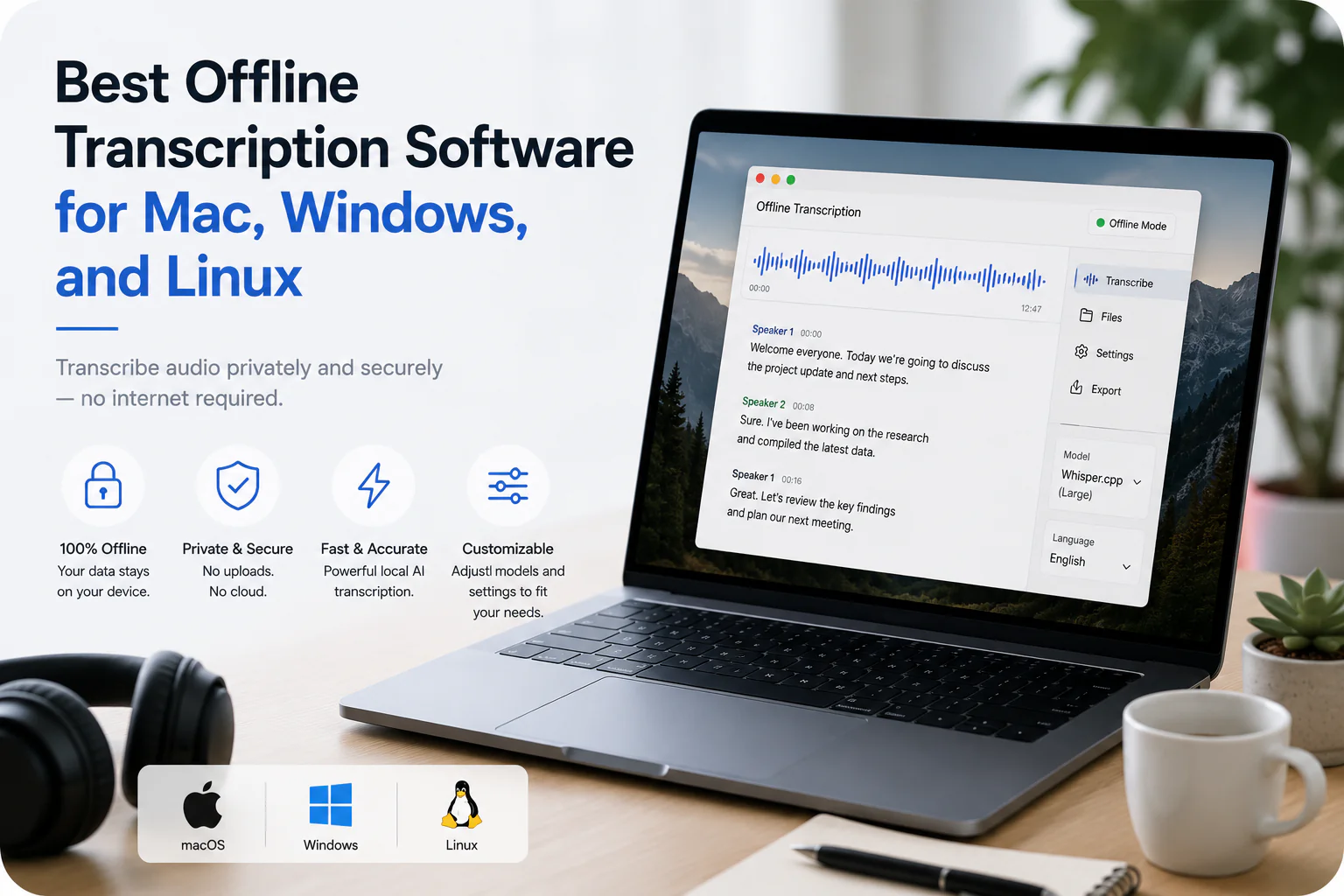
The most common way to transcribe fully offline is the open-source Whisper family of models, which run entirely on your own hardware. As a category, these give you local processing and no per-minute cost in exchange for setup effort and your own compute.
- Whisper (the reference open-source speech-recognition models) — run locally via Python or various front ends.
- whisper.cpp — a C/C++ port designed to run those models efficiently on CPUs and Apple Silicon.
- Packaged desktop apps that bundle a local model behind a graphical interface, so you avoid the command line.
Hardware and model requirements
Local transcription quality and speed are governed by the model size you can run, which in turn is governed by your hardware. This is the single biggest practical difference from cloud tools, where the provider supplies the compute.
- Larger models are generally more accurate but need more memory and run slower on a given machine.
- A GPU (or Apple Silicon with enough unified memory) dramatically speeds up larger models; CPU-only setups favour smaller models.
- Available RAM / VRAM caps the model size you can load at all — check this before committing to a tool.
- Battery and heat matter on laptops: sustained local transcription is a heavy workload.
If your hardware cannot comfortably run a model large enough for your audio, a cloud tool may give you a better transcript with no local cost — at the price of sending the audio off-device.
Speaker labels, timestamps, and languages
Beyond raw recognition, three features decide whether a transcript is usable: who spoke, when, and in what language. Local tools vary widely here, so confirm each one is actually available on-device.
- Speaker labels (diarization) are not automatic in every local tool and can require a separate model or step.
- Timestamps may be word-level or only segment-level; word-level lets you click a word and hear it.
- Language coverage and on-device translation differ by model — verify your languages are supported locally.
For comparison, TranscribeThis (cloud) provides word-level timestamps on uploads and recordings, with speaker labels on its paid tiers — but that processing happens on the server, not on your device.
Offline vs cloud transcription: the honest trade-off
Neither approach is universally better; they optimise for different things. Local software maximises privacy and control; cloud software minimises setup and hardware requirements. Pick based on your hard constraint, not on marketing.
| Dimension | Fully local software | Cloud (e.g. TranscribeThis) |
|---|---|---|
| Where audio is processed | On your device | On the provider's servers |
| Setup | Install, models, sometimes command line | Open a browser, upload — no install |
| Hardware | Your CPU/GPU and RAM set the ceiling | Provider supplies the compute |
| Cost model | No per-minute fee; your own hardware | Free preview, then plan-based limits |
| Privacy | Audio never leaves the device | TLS in transit; configurable retention and deletion |
| Best when | Audio legally or practically cannot leave | You want zero setup and no hardware demands |
How to test candidates yourself
The reliable way to choose is to run one real recording of your own through each shortlisted tool and compare. Numbers from a review rarely match your audio, your accent, or your hardware.
- Pick one representative file — ideally with the accents, crosstalk, and noise you deal with in practice.
- Run it through each candidate on the machine you would actually use.
- Check the same things every time: word accuracy on names and numbers, speaker labels, timestamp granularity, and how long it took.
- Note the setup cost too — a tool you cannot get running is not a real option.
- For a cloud option, upload the same file here and compare the draft before deciding.
Frequently Asked Questions
What is offline transcription software?
Software that converts speech to text on your own device, without sending the audio to a remote server. Fully local tools run both recording and recognition on-device; some tools only record offline and still upload the file to be processed.
Is TranscribeThis offline?
No. TranscribeThis is a cloud, post-recording tool that runs in the browser and processes audio on its servers. It is the no-setup alternative for people who do not need local processing, not offline software.
What is the best offline speech-to-text option?
There is no single best tool — it depends on your OS, hardware, and languages. The open-source Whisper family (including whisper.cpp for CPU and Apple Silicon) is the most common way to transcribe fully offline. Test candidates on your own audio rather than trusting a ranking.
Do I need a powerful computer for local transcription?
For larger, more accurate models, yes — they need more RAM/VRAM and run faster with a GPU or Apple Silicon. Smaller models run on modest CPUs with an accuracy trade-off. Your hardware sets the ceiling on model size.
Can local transcription tools label speakers?
Some can, but diarization is not automatic in every local tool and may need a separate model or step. Confirm speaker labelling works on-device before choosing a tool if you need it.
Is offline transcription more private than the cloud?
Fully local processing keeps audio on your device, which is the strongest privacy option. A reputable cloud tool encrypts audio in transit and lets you control retention and deletion, but the audio is still processed on its servers.
When should I use a cloud tool instead of offline software?
When you want no installation, do not have hardware to run a large local model, or do not have a hard requirement that audio stay on-device. You can upload a file to TranscribeThis and preview the result before deciding.
Does offline transcription work without an internet connection?
Fully local software does, because processing happens on your device. "Offline-recording only" tools capture audio without a connection but still need the internet to transcribe it later.
Related resources
Reviewed by the TranscribeThis product team · Last updated: July 2026