


What to look for in a free transcription tool
The real value of a free tier is not "how many minutes" in isolation — it is whether the tool produces something you can actually use, on the file you actually have, without a paywall in the way. Judge free transcription software on these criteria, in roughly this order:
- Duration and file-size limit — how much of your recording it will transcribe, and the maximum upload size.
- Account requirement — whether you can try it with no sign-up, or must create an account (or add a card) first.
- Reusable plan vs one-off preview — a recurring free allowance you can use again, versus a single sample you get once.
- Export access — whether the free tier lets you download the text (TXT/DOCX/PDF) or captions (SRT/VTT), or only shows an on-screen preview.
- Speaker labels (diarization) — whether it separates "who said what", which most free tiers restrict.
- Timestamps — word-level (click a word to hear it) vs segment-level vs none.
- Languages and translation — whether your language is supported, and whether it can translate.
- Privacy and retention — how long files are kept, whether content is used to train models, and how you delete it.
- Accuracy on your audio — the only benchmark that matters is your own recording, not a vendor headline.
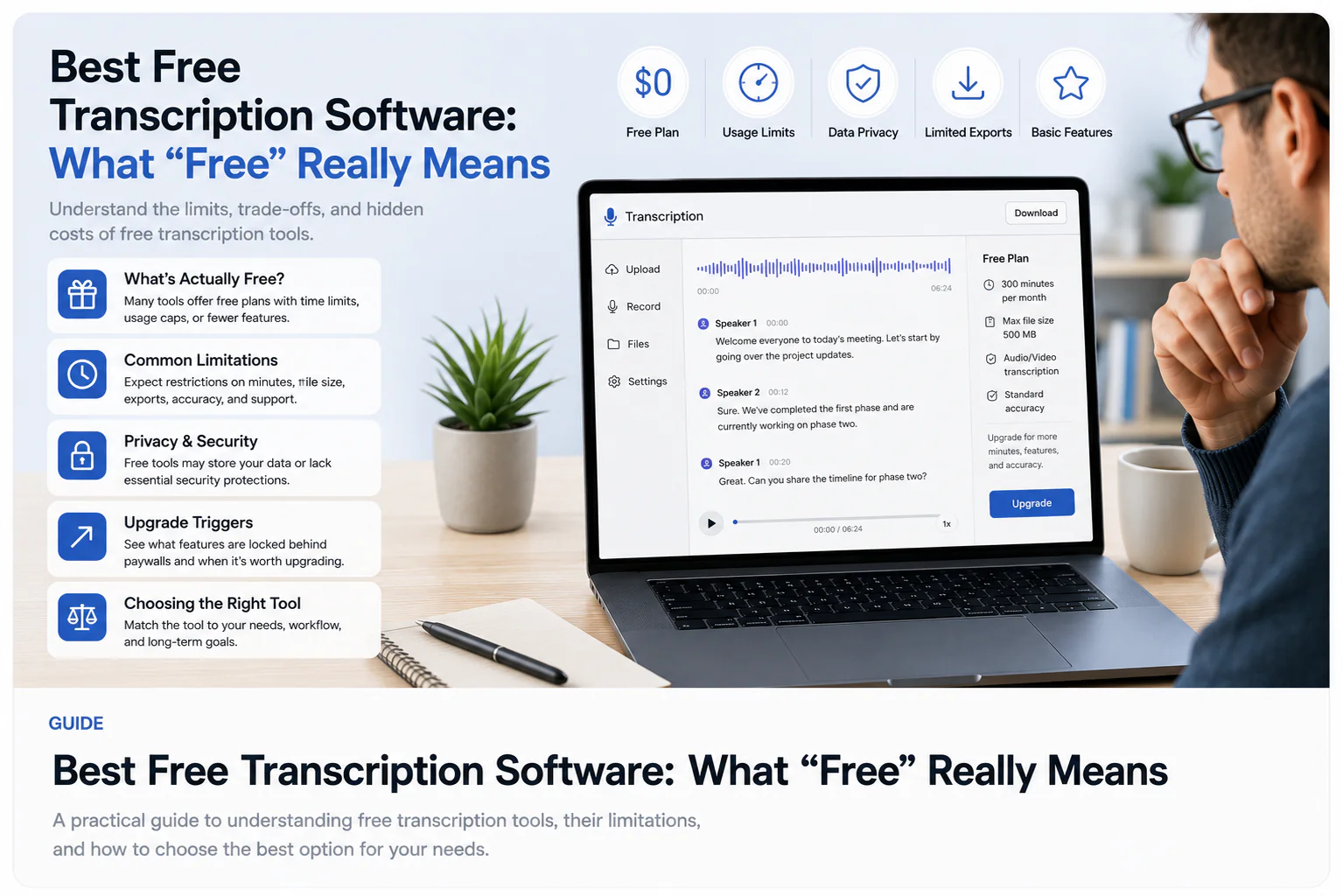
How to test a free tool on your own file
Do not trust a "best free" list — including this one — as a substitute for a five-minute test. Free tiers exist precisely so you can evaluate the output before paying, so use them that way. Here is a methodology you can apply to any tool:
- Pick one representative recording — ideally your hardest realistic case (multiple speakers, an accent, some background noise), not a clean studio clip.
- Run the same file through each free tool you are considering, back to back.
- Read the first minute against the audio and count the errors that would actually cost you: names, numbers, dates, and technical terms — not stray commas.
- Check whether speakers are separated correctly if your recording has more than one voice.
- Try to export the result. Note whether you get a real file or only a preview, and in which formats.
- Note what it took to get there: sign-up, a credit card, a watermark, or a length cap that cut off your recording.
Comparison criteria (and how to fill them in)
A useful comparison table has criteria for columns, not vendors for columns — because the honest answer for most tools is "it depends on their current plan." Below, the TranscribeThis row is filled with verified facts; for any other tool, treat the last column as a checklist to confirm on the vendor's own page rather than a number to trust from a listicle.
| Criterion | TranscribeThis (verified) | Any other tool — what to check |
|---|---|---|
| Duration / size limit (free) | First 5 min per file, up to 50 MB, no account | Check the vendor's current free-tier minute and file-size cap |
| Account required to try | No — guest can transcribe without signing up | Check whether sign-up (or a card) is required before you see output |
| Reusable vs one-off | Reusable: free account gives 3 transcriptions/day | Check if the free tier renews or is a single one-time sample |
| Export (free) | Preview export; full TXT/DOCX/PDF/SRT/VTT download is paid | Check whether you can download text/captions or only preview |
| Speaker labels | Diarization on Standard/Premium, not on free | Check if speaker separation is free, paid, or unavailable |
| Timestamps | Word-level for uploads/recordings; segment-level for YouTube | Check word-level vs segment-level vs none |
| Privacy / retention | TLS in transit; configurable retention; guest files auto-deleted after 7 days; no-training terms | Check retention policy, deletion controls, and training/data-use terms |
What "free" usually excludes
Free tiers are designed to show you the product, so the features that cost a vendor the most compute or that professionals depend on are usually the ones held back. Across the category, the common exclusions are:
- Length — free tiers typically cap minutes per file or per month, so a full meeting or lecture may be cut off.
- Full export — many tools show the transcript on screen but gate the downloadable file behind a paid plan.
- Speaker labels — diarization ("who said what") is frequently a paid feature.
- Batch and long files — large uploads and bulk processing tend to be paid.
- Meeting bots and integrations — auto-joining Zoom/Meet/Teams, or pushing to Notion/Slack/Docs, is usually not part of a free tier.
- A watermark or attribution — some free video-caption tools add one; confirm before you rely on the output.
For TranscribeThis specifically: the free tier transcribes the first 5 minutes and offers a preview export, while full downloads, diarization, longer files, and meeting bots are on paid plans. That is typical of the category, not unique to it.
Free software vs free trial vs preview
These three words get used interchangeably in "best free" lists, but they mean very different things for how long you can actually use a tool for free. Sort every option into one of them before you commit:
| Type | What it means | Watch out for |
|---|---|---|
| Free plan (reusable) | A recurring allowance you can keep using — e.g. a few transcriptions per day or a monthly minute cap | The cap may be too small for real work; export is often limited |
| Free trial | Full features for a limited time, then it converts to paid | Often needs a credit card; you may be charged if you forget to cancel |
| Preview / sample | A one-off taste — a few minutes or an on-screen result you cannot download for free | Not reusable; may not let you export at all |
TranscribeThis offers a reusable free option (guest preview plus a free account with a daily allowance), not a time-limited trial that expires — but full export and advanced features remain paid. Illustrative example: a tool advertising "free" that asks for your card and unlocks everything for 7 days is a free trial, not free software; a tool that transcribes 5 minutes with no sign-up is a preview you can repeat.
Best free option for audio, video, and meetings
There is no single "best free" tool — the right choice depends on your source and what you need out of it. Match your use case to the criteria that matter most, then test the shortlist.
For audio (interviews, voice memos, podcasts)
Prioritize word-level timestamps, accurate speaker separation, and export access. TranscribeThis handles the common audio formats (MP3, WAV, M4A, AAC, FLAC, OGG, Opus, WebM and more), gives word-level timestamps on uploads, and lets a guest test the first 5 minutes free; speaker labels and full export are paid. For any other tool, evaluate it against those same criteria.
For video (clips, tutorials, YouTube)
Prioritize caption export (SRT/VTT) and whether the free tier adds a watermark. TranscribeThis transcribes the audio track of video files (MP4, MOV, MKV, AVI and more) and can produce SRT/VTT caption drafts (full export is paid, and SRT/VTT are reviewable drafts, not certified subtitles); a pasted YouTube link uses the video's existing captions, so those transcripts are segment-level. For other tools, confirm caption export and watermark policy on their page.
For meetings (Zoom, Google Meet, Teams)
Decide first whether you need a live meeting bot that auto-joins and records, or just to transcribe a recording you already have. TranscribeThis's free tier is post-recording — upload the meeting recording and transcribe the first 5 minutes free — while its meeting bot (auto-join via Zoom/Meet/Teams) is a paid Standard/Premium feature. Tools built primarily around live meeting capture are a different category; evaluate them on join reliability, speaker labels, and retention.
Accuracy and privacy — what to check
Accuracy is not a fixed number, and privacy claims deserve the same scrutiny as feature claims. Treat both as things to verify, not marketing to accept.
- Accuracy depends on the recording. Clear, single-speaker audio transcribes very well; accents, crosstalk, music, and phone-quality audio need more review. Read any "99% accurate" headline — ours or a competitor's — as a best case on clean audio, up to ~99%, never a guarantee for your file.
- Retention and deletion. Check how long a tool keeps your files and whether you can delete them. TranscribeThis keeps files under a configurable retention setting (default keep-until-deleted; guest uploads auto-delete in about two hours) and lets you delete manually.
- Training and data use. Check whether your content can be used to train models. TranscribeThis operates under no-training terms with its processing partners and encrypts files in transit (TLS); at-rest encryption is provider-dependent, so confirm specifics if that matters to you.
- Draft vs certified. Every AI transcript — free or paid — is a fast first draft you should review before you rely on it. For legal or medical records that must be verbatim and certified, a professional human service is a different, appropriate product.
Frequently Asked Questions
What is the best free transcription software?
There is no universal best — it depends on your recording and needs. The best free tool is the one that transcribes your actual file accurately, separates speakers if you need that, and lets you export the result. Compare on duration limit, account requirement, export access, speaker labels, timestamps, and privacy, then test your hardest recording in each. You can test one free at the top of this page.
Is there genuinely free transcription, or is it all trials?
Both exist. Some tools offer a reusable free plan with a daily or monthly cap; others offer a time-limited free trial (often card-required) that converts to paid; others give a one-off preview you cannot download for free. Sort each option into free plan, trial, or preview before you commit. TranscribeThis offers a reusable free option, with full export and advanced features on paid plans.
How can I transcribe audio for free without an account?
Some tools, including TranscribeThis, let a guest transcribe without signing up. On TranscribeThis you can transcribe the first 5 minutes of a file up to 50 MB with no account and preview the result — enough to check quality on your own audio before deciding.
Is there free transcription software with no watermark?
Text transcription (TXT/DOCX/PDF) does not carry a watermark; watermarks are mainly a concern with free video-caption tools that stamp the exported video. TranscribeThis produces plain-text transcripts and SRT/VTT caption drafts without a watermark, though full export is a paid feature. For any other tool, confirm its watermark policy on the vendor's current page.
What is the best free transcription app for meetings?
Decide first whether you need a live bot that auto-joins the call or just to transcribe a recording you already have. For existing recordings, a post-recording tool like TranscribeThis transcribes the first 5 minutes free; its auto-join meeting bot for Zoom, Google Meet, and Teams is a paid feature. Evaluate live-capture tools on join reliability, speaker labels, and retention.
Do free transcription tools support multiple speakers?
Often only on paid tiers. Speaker labeling (diarization) is compute-heavy, so many tools reserve it for paid plans. On TranscribeThis, diarization is a Standard/Premium feature, not part of the free tier. If "who said what" matters, confirm whether a tool separates speakers before relying on its free version.
How accurate is free transcription?
Accuracy depends on the recording, not the price. Clear, single-speaker audio transcribes very well across most modern tools; accents, crosstalk, background noise, and phone-quality audio need more correction. Treat "99%" headlines as a best case on clean audio, not a guarantee, and always review names, numbers, and terms before using a transcript.
Is my audio private with free transcription tools?
It varies by vendor, so check the policy. Look at how long files are retained, whether you can delete them, and whether your content can be used to train models. TranscribeThis encrypts files in transit (TLS), keeps them under a configurable retention setting (guest uploads auto-delete in about two hours), and operates under no-training terms with its processing partners.
Can I download the transcript on a free plan?
Sometimes only as a preview. Many free tiers show the transcript on screen but gate the downloadable file behind a paid plan. TranscribeThis gives a preview export on the free tier, with full TXT, DOCX, PDF, SRT, and VTT downloads on paid plans. Always confirm export access before committing to a tool.
Related resources
Reviewed by the TranscribeThis product team · Last updated: July 2026