
Transcription Tools by Format and Source
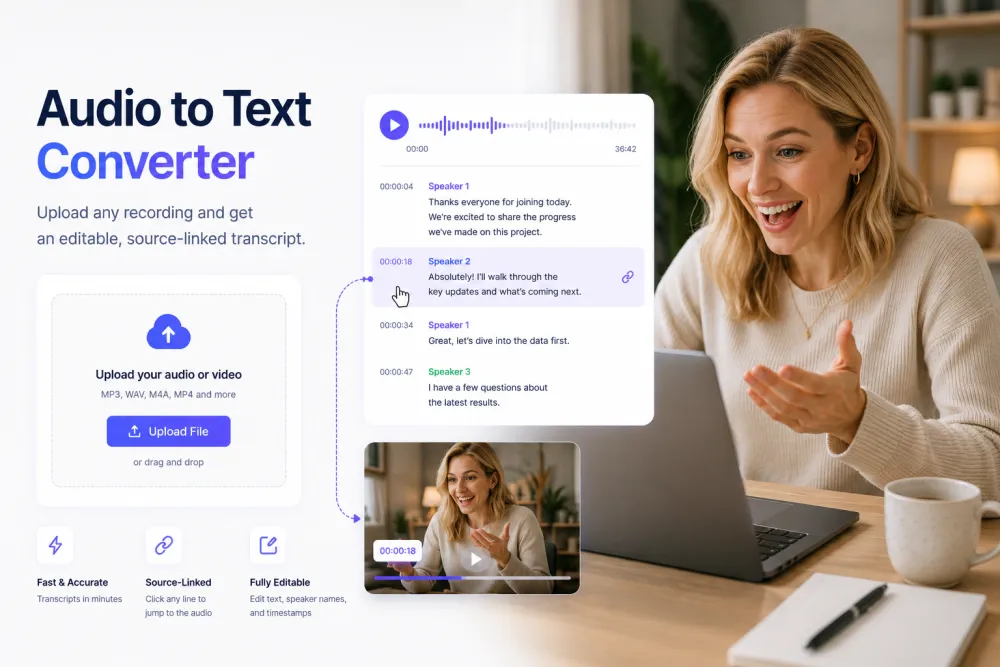
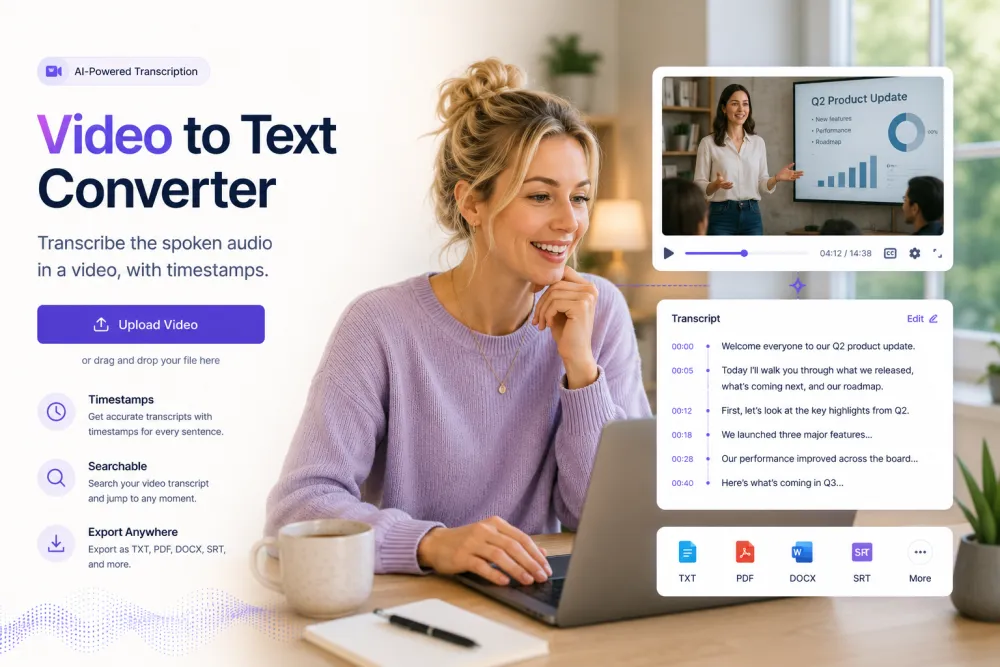
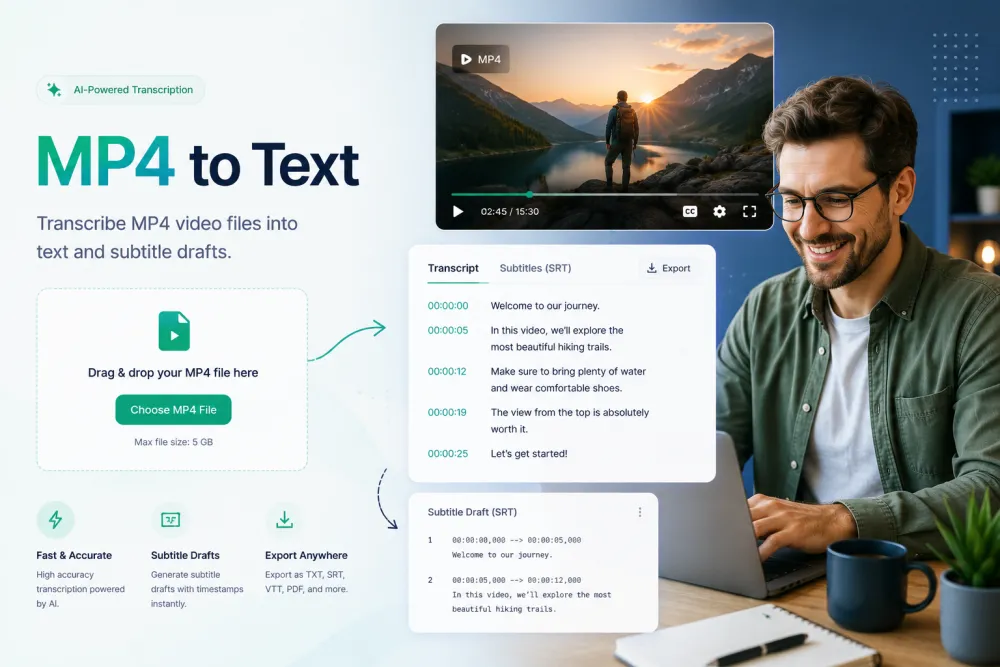
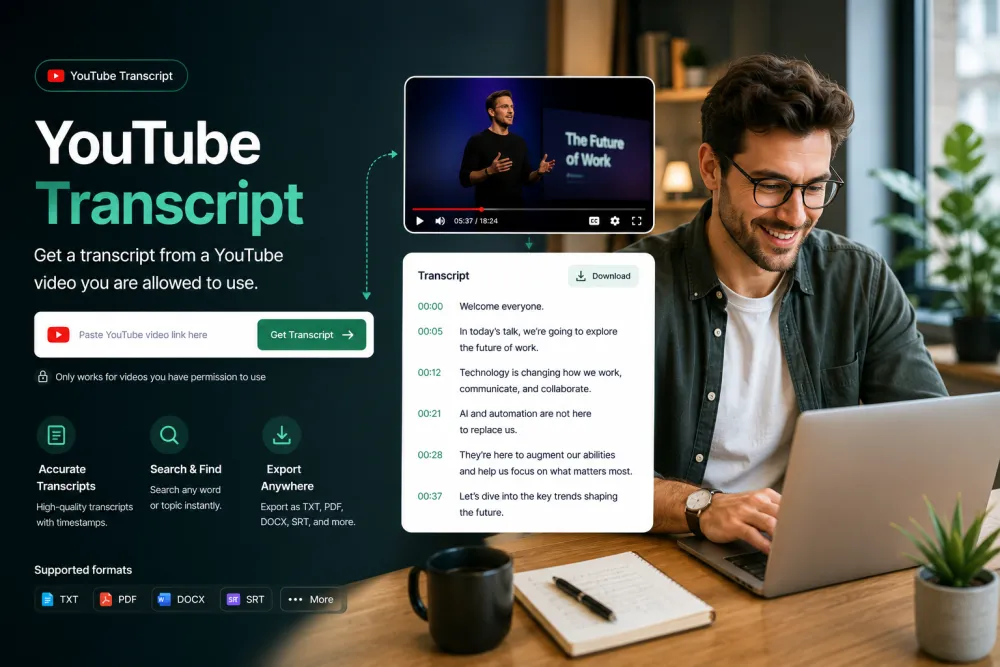
Every TranscribeThis tool converts speech into editable, source-linked text — the difference is the input. Use the core audio, speech, and voice tools for general recordings; the video, MP4, and YouTube tools for video; the MP3, M4A, WAV, and voice-memo tools for specific audio formats; and lecture transcription for long talks. Pick the one that matches your file below.
How the tools differ
All of these tools use the same transcription engine and produce the same kind of output — an editable transcript with speaker labels and word-level timestamps you can export. The separate pages exist so each one accepts the right input and answers the questions specific to that format or source, from codec support to whether a link is allowed.
- Core: general audio, speech, and voice to text.
- Video: uploaded video, MP4 files, and YouTube links.
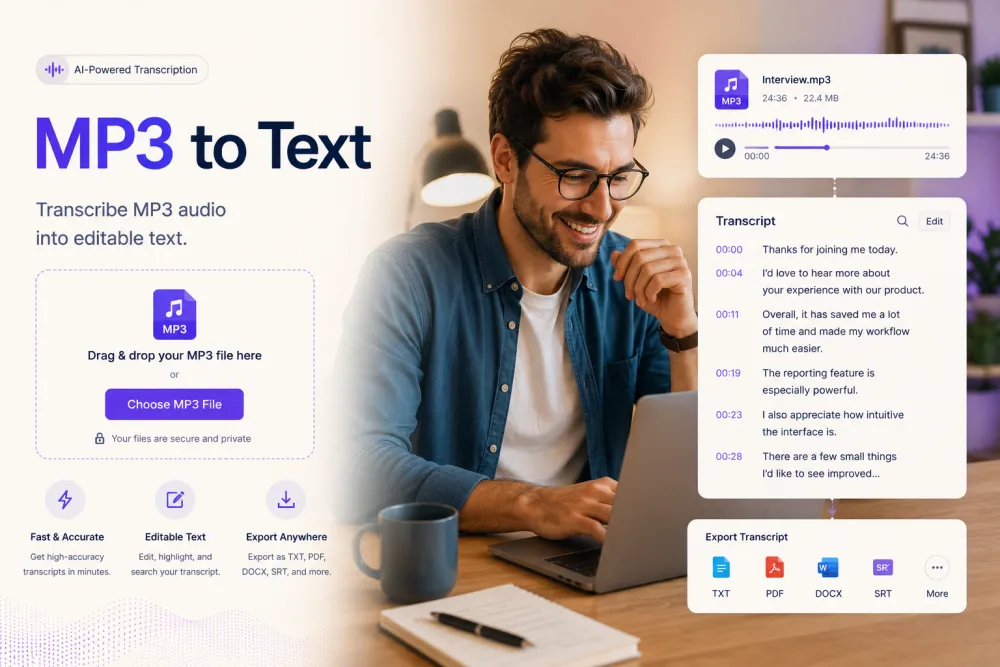
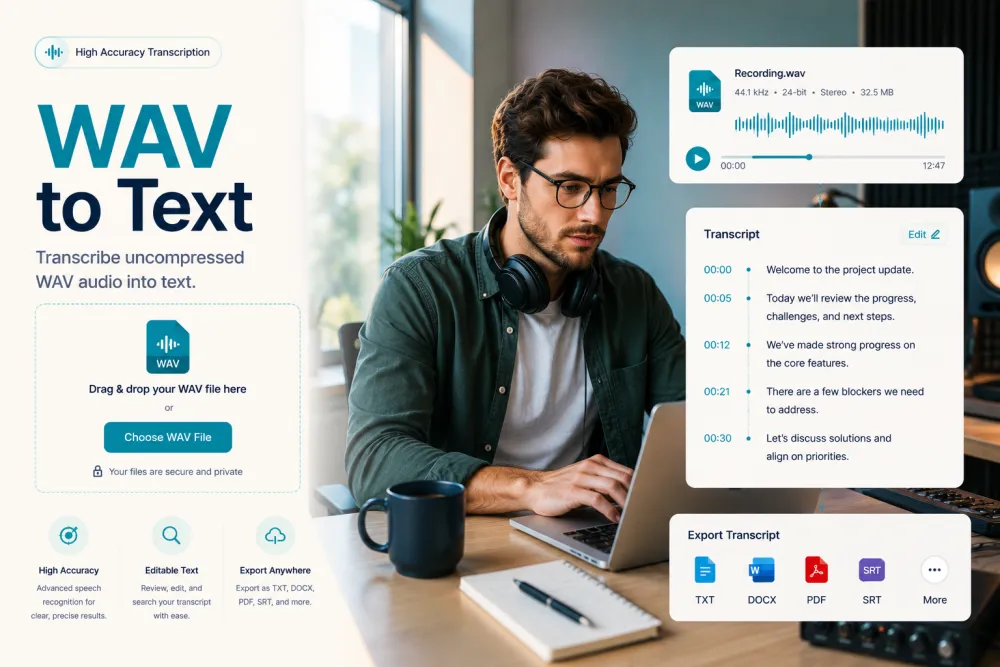
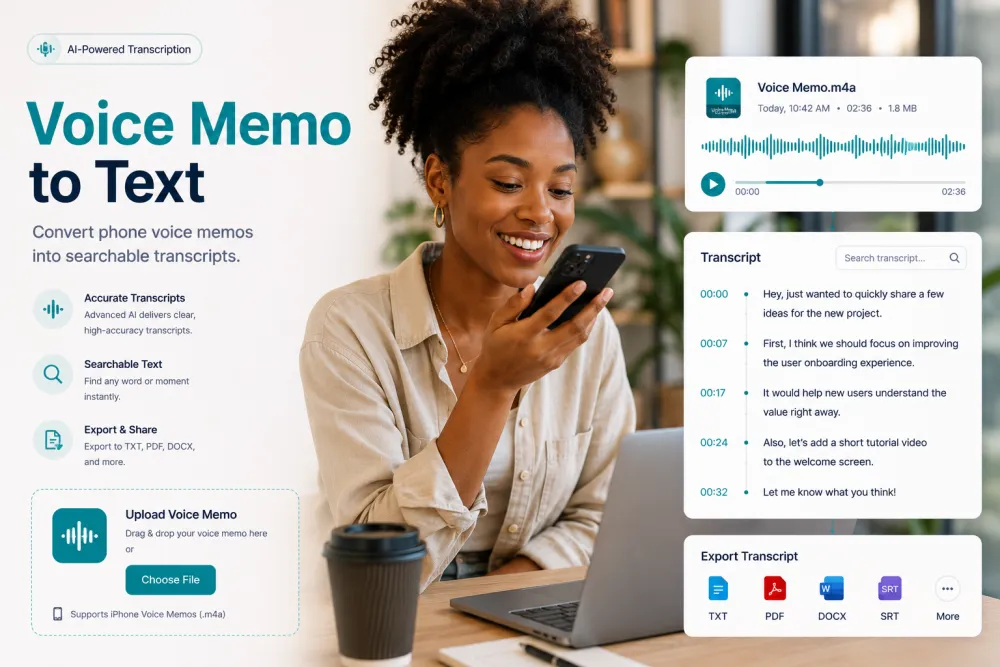
- Audio formats: MP3, M4A, WAV, and phone voice memos.
- Long-form: lectures and other long recordings.
Browse all products
Pick the tool that matches your file or source. Each page has the upload widget and the details for that format.




Frequently Asked Questions
Do the different tools produce different results?
No. They share the same engine and output — editable text with speaker labels and timestamps. Each page just accepts the right input and covers format-specific questions.
Which tool should I use?
Match the tool to your file: a video file → Video or MP4 to Text; a YouTube link → YouTube Transcript; an MP3/M4A/WAV file → the matching audio-format page; anything else → Audio to Text.
Is there a difference in price between tools?
No. Pricing is per your plan, not per tool — see the pricing page. Every tool offers the same free allowance to try it first.
Related resources
Reviewed by the TranscribeThis product team · Last updated: July 2026